One Product Photo for Each Color, Not One Hero for the Whole Line
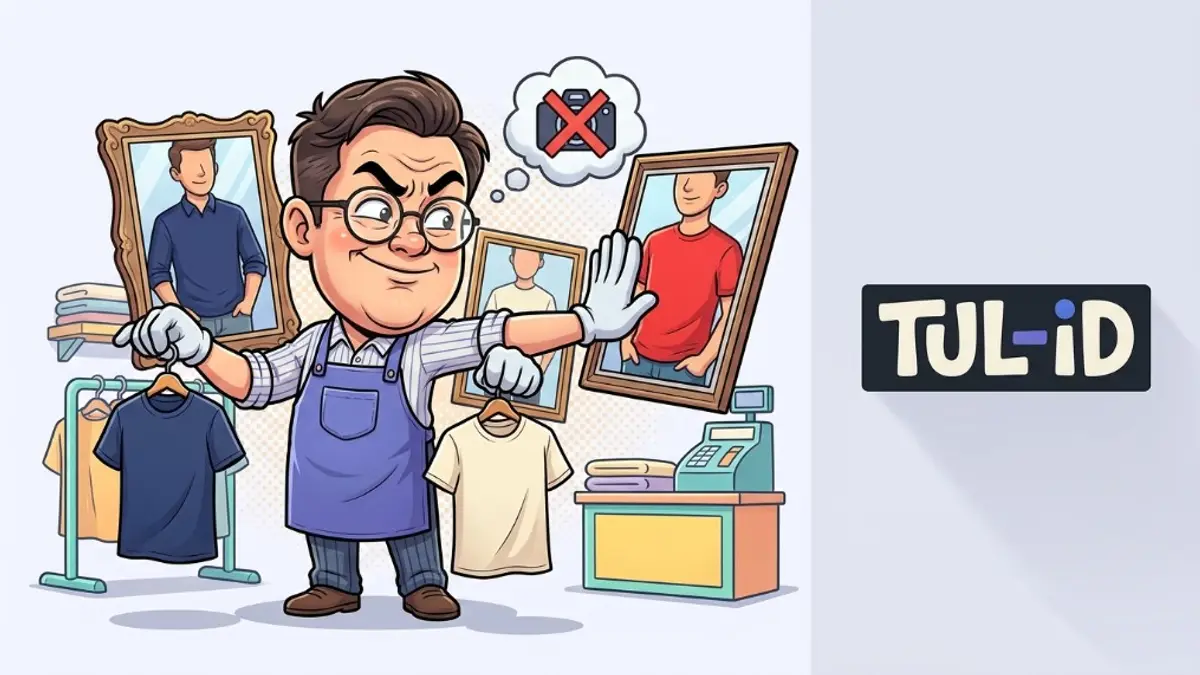
A product photo is the picture of the thing someone is about to buy, in the color they picked. Shopify treats each combination of options as its own variant, so a navy small shirt and a cream small shirt are two variants, each with its own inventory [1]. Google’s variant guidance says a distinct URL has to preselect that variant, including the right image, price, and availability [2]. One hero for every color fails both tests.
Why can’t the campaign still be the only image?
Because the shopper selected a color and the page did not change. Google says preselecting the variant means showing that image, that price, and that stock, and letting someone add that variant to the cart [2]. A lookbook frame that stays on screen while the dropdown changes is a different photograph from the one in the cart.
Does the file have to be an img tag?
Yes, if you want Google to index it. Google indexes images referenced by an HTML img src. A CSS background is not indexed that way [3]. srcset still needs a src fallback. A picture element still needs an img [3]. The colorway photo has to be a real image element, not a background swapped by a stylesheet.
What should the filename and the alt text say?
The color and the product, in ordinary words. Google wants descriptive filenames and says alt text is the most important image metadata. Stuffing it with keywords is a bad experience that can look like spam [3]. WAI’s reason is the access one: equivalent alt text is what a screen reader speaks, and it is also what a search engine gets instead of the picture [4]. "Cream linen shirt, front view" is the sentence. A list of search phrases is not.
Who is left out if the alt text is empty?
Anyone who cannot see the photo. The U.S. Department of Justice lists images with no text alternative as a barrier on sites that sell to the public [5]. The same missing line is what Google says matters most for the image [3]. One sentence fixes both. You do not write a different alt line for search and another for access.
Where does inventory sit relative to the photo?
On the variant. Shopify says that once variants exist, price and inventory move off the main product details and onto each variant [6]. The photo should follow the same split. If the cream shirt is sold out, the URL for cream should say so, not keep showing navy as if the stock were shared [2].
Can a sitemap replace the missing files?
No. A sitemap helps discovery, including for images, and it does not guarantee crawl or index [7]. Google also says an image sitemap can point at a file on a CDN [3]. That is useful when the photos live somewhere other than the page’s domain. It does not invent a second colorway you never photographed.
What about variant metafields for the shot notes?
Shopify says you can store specialized information on a variant with metafields, and that product variant metafields cannot be displayed to customers at this time [1]. A lighting note in a metafield is for you. The customer needs the photograph on the page. If the theme cannot print the field, do not count it as the description.
- One color — one photograph, on the variant people selected.
- A URL — that opens that color with the right image and stock.
- An img tag — with a src, not only a CSS background.
- Alt text — one sentence that names the color and the view.
- A sitemap — optional. It does not create the missing file.
Where does this sit for a label?
Next to the fashion site and the store, before the theme is polished. Which photos to take is the shot list. what makes a fashion site feel finished is the styling. This page is the rule that each color gets its own file and its own address.
What if Plus combined listings are the plan?
Shopify Plus can merge separate products into one listing with Combined Listings [1]. That is a different structure from variants on a single product. The photo rule does not change. Each color people can select still needs the image that matches it, on a URL that preselects it [2]. Combining the products does not let one file stand in for the rest.
What should you check on one product?
Open the URL for a second color. The image, the price, and the stock should match that color [2]. View the source and confirm an img src, not only a background [3]. Read the alt text. If it does not name the color, rewrite it [3] [4]. If you only have one photograph, do not publish the second color as if you had it.
Sources & references
- Shopify Help Center: Variants.
- Google Search Central: Product variant structured data.
- Google Search Central: Google image SEO best practices.
- W3C WAI: Introduction to Web Accessibility.
- U.S. Department of Justice: Guidance on Web Accessibility and the ADA (18 March 2022).
- Shopify Help Center: Product details.
- Google Search Central: Learn about sitemaps.
Image indexing and variant URL rules are on the linked pages. Check the current page before you change a product template.
If every color on the product page still shows the same photo, we can map a file to each variant.
Talk to us arrow_right_alt