How to get clients to pay on time without chasing invoices
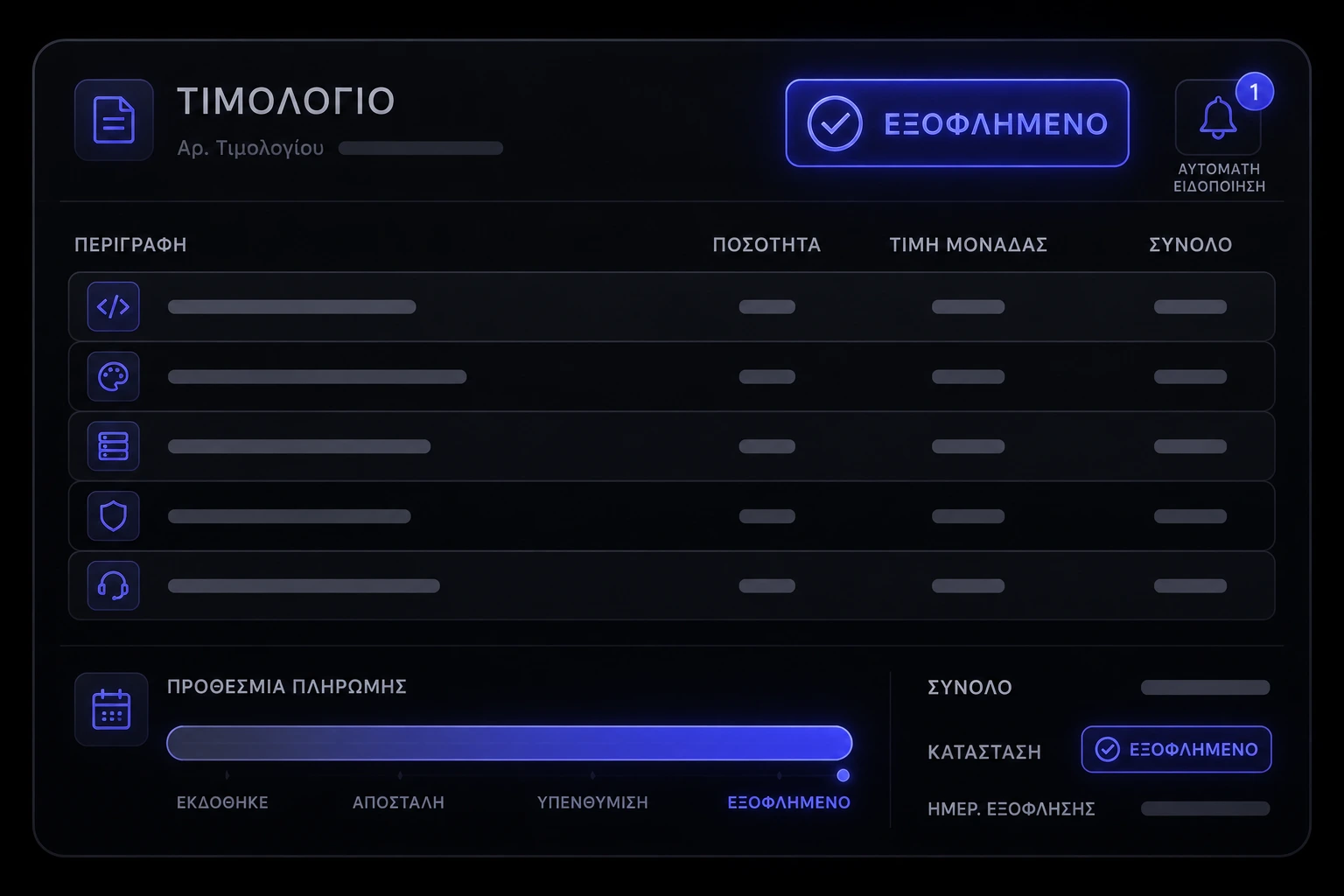
Chasing invoices is not a personality trait. It is a missing system. If you want to get clients to pay on time, stop treating collections as a weekly errand and put deposits, written terms, automated reminders, and a pay-now invoice in the same flow that starts the work.
Why do invoices go unpaid even when the work was good?
Most late payments are not a verdict on your quality. They are a gap between “we agreed” and “here is a bill I can actually pay.” The invoice arrives days after the work, the amount does not match what they remember, there is no card or PayPal button, and the only reminder is you, personally, in their inbox. The US Small Business Administration treats cash flow as a management job, not a hope — if money in is slower than money out, the business feels broke even when the pipeline looks full [5].
- Friction. A PDF with no pay link is a to-do. A hosted invoice with Visa, Mastercard, or PayPal is a decision [1] [2].
- Ambiguity. If the due date, deposit, and what the amount covers were never written down, you are negotiating after delivery. That is how “Net 30” becomes “whenever accounts payable next sits down.”
- Silence. One polite follow-up is a system. Five personal chases is a second job. Accounting tools exist because owners cannot be the reminder service [3] [4] [8].
What payment terms actually help you get paid on time?
Terms that get paid are short, specific, and visible before work starts — not buried in a 19-page appendix. Name the deposit, the remaining schedule, the due date (a calendar date, not “on completion”), accepted methods, and what happens if a date is missed. Australia’s competition regulator is blunt about unfair terms in standard-form agreements: if a clause would surprise a reasonable client, it is a problem even if they clicked accept [6]. In the US, the Federal Trade Commission’s business guidance is the same idea: say the deal out loud, then put that version in writing [7].
- Due on receipt or 7–14 days for small jobs. Net 30 is a gift you do not have to give. If a bigger client needs 30 days, put it in the proposal and price the wait into the fee.
- Progress payments for longer work. Milestones beat one giant invoice at the end. Each invoice should match a named deliverable so accounts payable is not guessing.
- Late fees only if you will send them. A fee you never invoice trains people to ignore it. If you use one, keep it modest, disclosed up front, and consistent [6] [7].
Should you take a deposit before you start?
Yes, if the work cannot be resold tomorrow. A deposit is not distrust. It is a calendar lock: you reserve time when money lands, not when someone says “let’s go.” For most studios and agencies, 30–50% before kickoff is normal; retainers and productized services can take the first month in full. The SBA’s finance guidance is the owner version of the same rule: do not fund someone else’s project out of your operating cash [5].
- Put the deposit in the same email as the agreement. Stripe and PayPal invoicing both support a pay link in the thread, so you are not pasting account numbers into email [1] [2].
- Do not kick off on a promise. If the kickoff calendar can be booked unpaid, you have trained people to treat you as a free holding pen. Gate the date on payment, the same way a booking system gates a slot on a confirmed appointment.
- Receipts that match the contract. Amount, currency, and what it covers should match the signed schedule. That kills the week-two “what was this charge?” email.
How do you send an invoice people can pay in one tap?
One amount, one due date, one pay action. Stripe invoicing is built for send, remind, collect on a hosted page [1]. PayPal invoicing covers clients who already live there [2]. Square invoices do the same job if that is the stack you already use for cards [11]. Xero and QuickBooks exist so the invoice is not a Word file you attach and then lose [3] [4]. FreshBooks and similar tools are in this category too: the invoice is a page, not a PDF that sits in Downloads [8].
- Line items a non-accountant can read. “Website sprint 2, 12–23 May” beats “Professional services.” If they have to ask what it is, they will delay it.
- Card, PayPal, or bank — not all three as equal options. Offer a default that clears in hours. A bank transfer “they will do on Friday” is how Friday becomes next month.
- Send it the day the milestone is done. An invoice that waits a week is already late in the client’s head. Same-day send is a system, not hustle [3] [8].
When should automated reminders fire — and when are they just nagging?
Reminders work when they are expected, dated, and attached to a pay link. They fail when they are vague, late, or written like a guilt trip. QuickBooks documents invoice reminder emails as a schedule you set once, not a mood [4]. Xero’s send-invoice tools are the same idea: the software nags so you do not have to [3]. Stripe invoicing supports reminder sequences on the hosted invoice [1].
- Before it is due. A courtesy note a few days early with the amount and the button. This catches “I never saw it,” which is often true.
- On the due date. One factual message: it is due today, here is the link. No essay.
- A short sequence after. Day 3, day 7, then a human. After two automated notes, a phone call or a named accounts contact beats a sixth email [4] [8].
If every reminder still requires you to rewrite the tone, you do not have automation. You have a template you are afraid of. Write one calm sequence, attach the pay link, and let it run.
Is e-invoicing worth it for a small team?
E-invoicing is worth it when the other side’s accounts payable will not open a PDF. Bigger US and Australian buyers increasingly want a structured invoice that lands in their system, not an attachment. Australia’s Payment Times Reporting scheme exists because late payment by large businesses is a known, measured problem — if you sell to that tier, meet their channel or you will wait in the same queue as every other PDF [12]. For a ten-person service shop selling to other small businesses, a Stripe, PayPal, Square, or Xero invoice with a pay button is usually enough [1] [2] [3] [11].
Do not buy an “e-invoicing platform” because the phrase sounds modern. Buy it when a client’s procurement team names a network or a file format, or when you are sending enough invoices that copy-paste between tools is the delay. Until then, hosted pay-now invoices beat a prettier PDF.
What do you do when a regular client still pays late?
Separate the relationship from the exception. A good client can still have a slow accounts person. Put the next invoice on a shorter term, require a card on file or a deposit for the next phase, and say that out loud before you start. The FTC’s business guidance is useful here: do not invent surprise penalties after the fact; change the deal going forward and put it in writing [7]. If the pattern is a large buyer sitting on invoices, Australia’s payment-times reporting is the public version of that complaint — you are not imagining the lag [12].
- Name the new rule once. “From the next sprint we invoice weekly and kick off when the deposit clears.” One sentence. Then enforce it.
- Stop stacking unpaid work. If invoice two is unpaid, do not send invoice three plus another week of delivery. That is how a late payment becomes a loss [5].
- Keep the reminder polite and identical. Special treatment in the chase trains them that your due date is a suggestion [4] [8].
Should you pause work until the invoice clears?
If the contract says work continues when invoices are current, pause. Tell them in one message, with the amount, the due date, and the pay link. You are not being dramatic. You are running the terms they already accepted. Unfair or hidden “we can stop whenever” clauses are the ones regulators worry about — a clear, disclosed pause-on-nonpayment line is the opposite of a trap [6] [7].
Give a short cure window (a few business days) so a genuine bank delay does not look like a tantrum. Then stop. Studios that keep delivering through unpaid invoices are not kind. They are financing the client.
Should a small team buy tools or build a custom get-paid flow?
Buy first. Xero or QuickBooks for the ledger, Stripe or PayPal or Square for the pay action, and reminders that fire without you [1] [2] [3] [4] [11]. That stack covers most studios. Build when you are copying amounts between four tabs, or when the client’s first payment is part of onboarding and the glue keeps breaking.
Custom does not mean “rewrite accounting software.” It often means a thin web app that creates the invoice, sends the link, and pings you when it is paid. That is the same job as business systems work: fewer handoffs, not a prettier dashboard. If deposits, booking, and billing are the same moment for you, wire them together instead of adding another login.
How much does a get-paid stack usually cost?
Software is the cheap part. Invoicing on Stripe, PayPal, Square, Xero, or QuickBooks is typically a modest monthly fee plus card processing — not a capital project [1] [2] [3] [4] [11]. The real cost is the week you spend writing the actual rules: deposit percent, due dates, reminder schedule, and the pause line. FreshBooks and similar products will not save you if those rules still live only in your head [8].
A custom flow costs more because you are paying for the connections, not for another logo. If you want a studio number rather than a guess, look at how we scope website pricing — the same rule applies to billing systems: you pay for the decisions and the integrations. Do not buy an all-in-one “collections platform” until you can list the four jobs it must finish without you: send, remind, collect, stop work.
What rules apply to payment terms and billing data?
Two layers: the commercial terms, and the data you collect to get paid. Terms should be readable and disclosed before work — that is the ACCC and FTC point again [6] [7]. Billing data is other people’s money details: emails, invoice lines, sometimes card metadata. Do not take card numbers in email. Use hosted pages from Stripe, PayPal, or Square so you are not storing raw card data [1] [2] [11]. Australia’s Privacy Principles are a clean checklist even if you only have a few Australian clients: collect what you need, say why, keep it somewhere you can lock [10]. NIST’s small-business cybersecurity guidance is the practical US-side pair: unique logins, updates, and backups beat a seal in the footer [9].
- Lock the invoice tool. Shared passwords in a group chat are not a process. They are a leak.
- Keep the stack updated. Invoicing plugins and portals rot. That is the same maintenance problem as a public site — see why website maintenance matters [9].
- Do not keep leftover card details. If the processor already stores the token, you do not need a spreadsheet of numbers [10] [9].
How do you know the chasing has actually stopped?
Measure time-to-cash, not how many reminder emails you sent. A working system shortens the gap from “work done” to “money in” without you writing the chase. The SBA’s cash-flow view is the owner metric: you should be able to see what is owed, what is overdue, and what you will not start until it clears [5]. If you sell to large Australian buyers, payment-times reporting is the public scoreboard for how long that tier takes — use it as context, not as an excuse to accept 60 days from a five-person client [12].
- Time from send to paid. If this is still measured in weeks, the pay link, the due date, or the deposit is wrong [1] [2] [8].
- Share of invoices paid with no personal follow-up. That is the reminder sequence doing its job [3] [4].
- Work started only after the deposit. If kickoffs still happen unpaid, the calendar is the leak, not the invoice tool.
- Hours you spend chasing. If that number is not falling, you automated the PDF, not the collection. Treat get-paid like a small business website checklist: numbered steps, owners, done-when.
You do not need a collections department. You need a deposit, terms a client can read, an invoice they can pay in one tap, and reminders that fire without you. Write those four once, keep the billing data boringly secure [9] [10], and only then decorate with nicer PDF stationery. That is how a small team gets paid on time when two invoices go out on the same afternoon.
Sources & references
- Stripe Docs — Invoicing.
- PayPal — Invoicing for business.
- Xero — Send invoices.
- QuickBooks — Invoice reminder emails.
- US Small Business Administration — Manage your finances.
- ACCC — Unfair contract terms.
- US Federal Trade Commission — Business guidance.
- FreshBooks — Invoicing hub.
- NIST — Small Business Cybersecurity.
- OAIC — Australian Privacy Principles.
- Square — Invoices.
- Australian Government — Payment Times Reporting.
Figures, product names, and pricing may change after publication; verify with the source before relying on them.
Want invoices that collect without the chase?
Talk to us arrow_right_alt