The small business website checklist (Philippines edition)
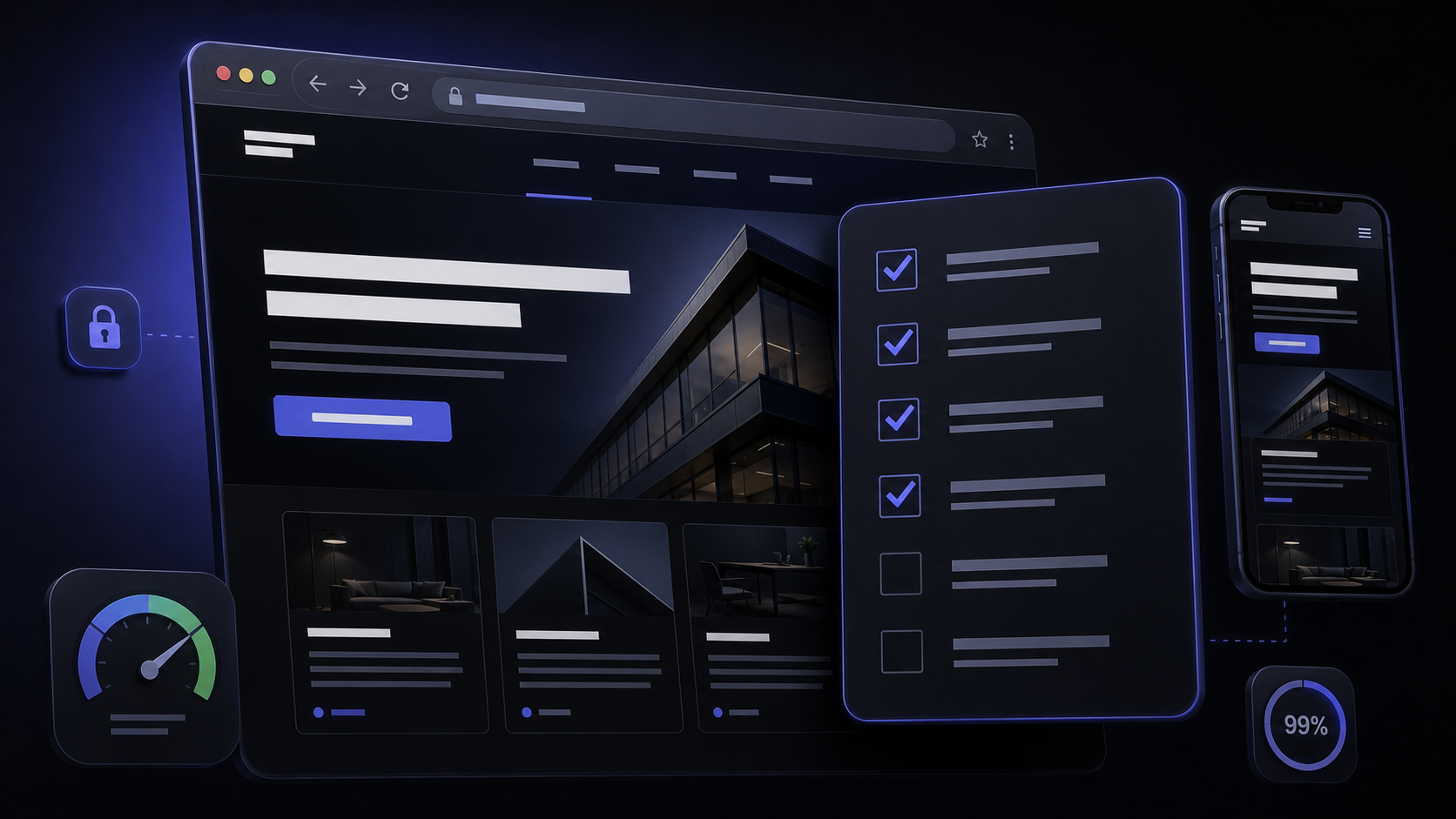
Most business owners judge a new website the way a visitor does — does it look good? But "looks good" and "actually works for the business" are different questions, and the gap between them is where leads quietly disappear. Before anything goes live, or before you decide an existing site is fine as-is, it's worth checking it against a shorter, more practical list than "does it look nice." Here are the eleven things that actually matter, in the order they tend to get skipped.
Does it actually work on a phone — not just "fit" on one?
There's a difference between a page that shrinks to fit a small screen and one built mobile-first: buttons big enough to tap without zooming, a menu that doesn't eat half the screen, text that doesn't require pinching. With 98.0 million Filipinos online at the end of 2025 and internet penetration at 83.8% of the population [1], a phone is very often the first device that meets your business — and often the only one, for a walk-in customer checking you out on the spot outside your shop.
Is it fast enough for how people actually browse here?
Google's own Core Web Vitals guidance measures loading, interactivity, and visual stability as the baseline for a good page experience [2] — and a slow site fails all three at once on a patchy mobile connection. This isn't an abstract audit score: a visitor who taps a search result and watches a blank screen for several seconds simply leaves and taps the next one. We've written about the specific fixes (image weight, hosting, lazy-loading) in seven signs your website needs a redesign.
Can someone reach you more than one way — and does it all match?
Phone number, email, a contact form, and a physical address if you have one — all visible without hunting, ideally in the header or footer of every page, not buried on a single contact page. And every one of those details needs to read identically wherever it appears: your website, your Facebook page, your Google Business Profile. A phone number that's correct on the site but outdated on the profile is a lead lost to a dead line, not a design problem.
Is there real proof this is a legitimate, contactable business?
Actual photos of your work, your team, or your space beat stock imagery every time — stock photography reads as generic at a glance, even to visitors who couldn't say exactly why. A handful of real client names or testimonials, a portfolio a stranger can actually browse, and a business registration or address that matches public records all do the same job: telling a skeptical first-time visitor that a real business is behind the page. Our own portfolio exists for exactly this reason — it's the fastest way to answer "have they actually done this before?"
Is there one clear thing you want a visitor to do?
Call, message, book, or fill out a form — pick the single next step that matters most for your business and make it impossible to miss, ideally visible without scrolling on both desktop and mobile. A homepage with six competing buttons and no clear priority forces the visitor to decide what you want from them, and most won't bother. This is one of the most common gaps we see when a business's website was built years ago around a different set of priorities than it serves today.
Is it running on HTTPS?
Browsers now flag plain HTTP sites as "Not Secure" directly in the address bar — a warning a first-time visitor sees before reading a single word of your homepage. HTTPS is table stakes now, not a nice-to-have: it protects any form submission (even something as simple as a name and phone number) and it's a baseline trust and ranking signal every modern host provides by default. If your site still shows the warning, that alone is reason enough to have someone look at it.
Does every page have its own title and description?
Google's SEO Starter Guide is explicit that unique, descriptive titles and meta descriptions per page — not one generic line copied across the whole site — are foundational, not optional, for how a page is understood and shown in search results [3]. One H1 per page, headings that actually describe the content under them, and a title tag that names the page instead of just the business name are the cheapest SEO work available, and the most commonly skipped on sites built in a hurry.
Does your website say exactly what your Google Business Profile says?
Google explicitly cross-references the information it shows in local search and Maps results against what it crawls from your own website [4] — so a mismatched name, address, or phone number between the two isn't two separate small errors, it's one signal actively working against itself. We cover this in more depth in how a Business Profile and your website work together — the short version for this checklist is: pick one exact wording and use it everywhere.
Is there a privacy policy that actually covers your contact form?
The Data Privacy Act of 2012 (Republic Act 10173) applies to any business that processes personal information [5] — and a contact form, a newsletter signup, or even a booking request all count as collecting personal information the moment someone submits one. A privacy policy page isn't paperwork theater; it's a legal expectation for any Philippine business collecting data through its site, and one of the most commonly missing pages on small-business sites we review.
Is anything measuring who's visiting and what happens after?
Without analytics installed, "the website isn't working" and "the website is working but nobody's finding it" look identical from the owner's side — you simply can't tell which problem you have. A basic setup (GA4 is free) that tracks visits, where they come from, and whether they reach your contact page turns "I think it's slow lately" into an actual answer, and tells you whether a redesign or a marketing push is the real fix needed.
Who's responsible for it after launch?
A launched site with no owner drifts: prices go stale, a plugin update breaks a page, nobody notices a broken contact form for three weeks. Someone — you, a hire, or a maintenance retainer — needs to own it after the launch photo is taken. We go into the specific risks of skipping this in why website maintenance isn't optional; it's the item on this list most often treated as someone else's problem until something actually breaks.
Where to start
Micro, small, and medium enterprises make up 99.63% of all registered businesses in the Philippines [6] — which means most of your competition is working with the same limited budget and time you are, not an enterprise team checking every box on this list. Go through it against your current site honestly; most businesses fail two or three items, not all eleven. If you're not sure how many, or you're planning a new build and want it right from day one, that's exactly what a quick conversation is for — see what a proper build costs or read our full cost breakdown if budget is the first question, and what to look for when hiring a developer if you're choosing who builds it.
Sources & references
- Digital 2026: The Philippines — DataReportal.
- Learn Core Web Vitals — web.dev.
- SEO Starter Guide — Google Search Central.
- Tips to improve your local ranking on Google — Google Business Profile Help.
- Republic Act 10173 — Data Privacy Act of 2012 — National Privacy Commission.
- DTI Statistics (MSME Statistics) — Department of Trade and Industry.
Internet-usage and MSME figures [1, 6] are periodically-updated snapshots — reverify at the source for current numbers. The Data Privacy Act summary [5] is general context, not legal advice; consult counsel for compliance specific to your business.
Not sure how your current site stacks up against this list? Send it over and we'll give you a straight, no-obligation read.
Talk to us arrow_right_alt