Seven signs your business website needs a redesign
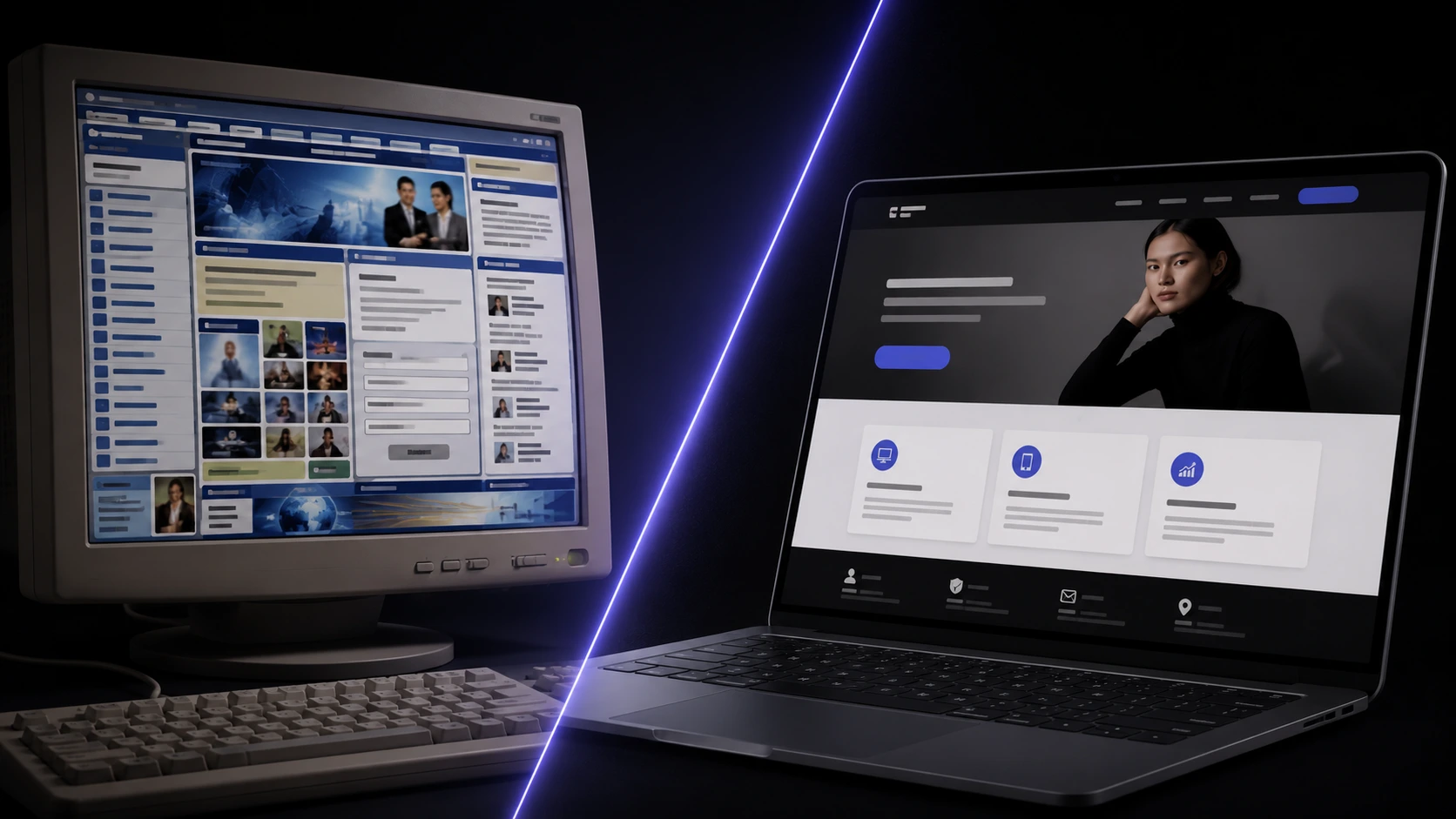
Most business owners don't wake up and decide to redesign their website. It happens gradually — a competitor's site starts looking sharper, a customer mentions they couldn't find your price list on their phone, an inquiry form goes unanswered because nobody noticed it broke three months ago. By the time it's obviously overdue, it's usually been costing you leads quietly for a while. We've covered what a new build costs in our guide to website costs in the Philippines — this is the other half of that decision: how to tell you actually need one before the drop-off shows up in your numbers.
How do you know it's time for a redesign, not just a content update?
Not every stale website needs a full rebuild. If the underlying structure, speed, and mobile experience are sound and the only problem is old prices, an outdated team photo, or a service you no longer offer, that's a content update — a few hours of work, not a project. A redesign is the right call when the problems are structural: the site is slow no matter what you swap out, it wasn't built to be edited without a developer, or it simply wasn't designed for how customers actually browse today. The seven signs below are the structural ones — if more than two or three apply to your site, you're past the point where a content tweak fixes it.
Sign 1: Is your site actually usable on a phone?
The Philippines had 98.0 million internet users at the end of 2025, at 83.8% penetration [1] — and while desktop still edges out mobile in raw Philippine web traffic (54.04% vs 44.99% as of mid-2026) [2], that's nearly half your visitors arriving on a phone, often the harder half to win over on a cramped, unresponsive layout. It's not just a user-experience problem either — Google indexes and ranks your site primarily using the mobile version of your pages, and its own documentation is blunt that a mobile experience with weaker content than your desktop site risks real traffic loss, not just a worse impression [3]. If pinching to zoom, a nav menu that won't close, or a contact form that's unusable on a phone describes your site, that's sign one.
Sign 2: Is your site slow to load?
Speed isn't a nice-to-have — it's the first thing standing between a visitor and whether they see anything at all. Google's own mobile research found bounced sessions had noticeably slower load times than sessions that stayed, and that 40% of consumers will simply leave a page that takes longer than three seconds to load [4]. A site built years ago on an old theme, stacked with plugins, and never optimized for images tends to drift slower every year without anyone touching a setting — nobody notices until the exit rate creeps up. If you've never run your homepage through PageSpeed Insights, that's usually because the result would be unwelcome news.
Sign 3: Does it look visibly outdated next to competitors?
This one sounds cosmetic, but the research says otherwise: people form a judgment about a site's visual appeal within roughly 50 milliseconds of it loading — long before they've read a word of content [5], and Stanford's own web credibility research found that visitors evaluate a site's trustworthiness by its visual design alone before anything else registers [6]. That's the mechanism behind a feeling every business owner has had — a competitor's site "just looks more legit." It usually does, and it's costing you the visitors who bounce in that first half-second without ever getting far enough to see how good your actual product or service is.
Sign 4: Is it failing to generate leads, bookings, or sales?
Slow and dated compound directly into this one. Google's mobile research also found that 79% of shoppers who are dissatisfied with a site's performance say they're less likely to buy from that business again [4] — meaning a weak site isn't just losing the sale in front of you, it's quietly burning repeat business too. The other common cause isn't speed or looks at all — it's structure. Sites built years ago often bury the contact form, hide the price list behind a PDF, or never had a clear "book now" button in the first place. If people tell you they like your work but you can't point to where your website actually converts that interest into an inquiry, that's the redesign talking, not your product.
Sign 5: Can you actually update it yourself?
A lot of small Philippine business sites were built once, by a freelancer or agency that's no longer reachable, on a stack nobody in the business can touch. That's fine until you need to change a price, add a new service, or swap a photo — and it turns into an email that goes unanswered for weeks, or a small job nobody wants to quote. A redesign is the natural point to fix this: move to a setup where you (or whoever's on your team) can make routine edits without waiting on a developer, while anything structural still goes through one. If "who even has the login" is a real question at your business, that's sign five.
Sign 6: Does it still reflect what your business actually does today?
Businesses evolve faster than their websites usually get updated. A site still listing a service you dropped two years ago, showing prices from before a rebrand, or with a portfolio that stopped growing after the first six months undersells a business that's actually moved on. This is also the sign that's easiest to miss internally — you know what you do now, so the gap on the homepage doesn't register the way it does for a first-time visitor comparing you to competitors whose sites do look current. Worth an honest look at your own portfolio or case-study page and asking whether it's still your best work on display.
Sign 7: Is your site flagged as not secure, or missing HTTPS?
If a browser shows a "Not secure" warning next to your URL, that's not a small technical detail — Google confirmed HTTPS as a ranking signal back in 2014 [7], and more than a decade later a site still without it is actively working against its own SEO on top of scaring off visitors who know what the warning means. This usually shows up alongside sign five — an old site nobody's maintaining rarely gets its certificate renewed properly either. We cover the ongoing side of that in our piece on why website maintenance isn't optional; here, it's simply one more signal the current build has fallen behind.
Has your Google ranking or organic traffic quietly dropped?
Every sign above is also, individually, an SEO problem — Google is explicit that Core Web Vitals and overall page experience align with what its core ranking systems reward [8], meaning a slow, insecure, poorly-mobile site isn't just losing visitors on arrival, it's ranking lower to begin with. If your organic traffic in Search Console has been flat or declining for months with no obvious cause, a technically outdated site is one of the most common explanations — and unlike a content or backlink problem, it's one a redesign fixes directly rather than working around.
How often should a business actually redesign its website?
There's no fixed clock, but the patterns are consistent. One analysis of top marketing brands' site histories found an average lifespan of just over two years before a meaningful redesign, and a separate survey found 49% of small-to-medium businesses had completely redesigned within the past two years — while sites built well from the start, and properly maintained, held up for six years or longer before needing the same treatment [9]. The honest takeaway isn't "redesign every two years" — it's that build quality is what buys you the extra years, and most businesses are working from a site put together on a tight early-stage budget that was never meant to last this long. With MSMEs making up 99.63% of all registered businesses in the Philippines [10], that describes most of the market, not an unusual case.
Should you redesign the existing site, or rebuild from scratch?
If your brand, content, and core offer still hold up and the problems are mainly speed, mobile, and visual design, a redesign that keeps your existing platform and content strategy is usually the faster, cheaper path. A full rebuild makes more sense when the foundation itself is wrong for where the business is now — you've outgrown a drag-and-drop builder (see our take on Wix vs a custom website), you need functionality the current platform can't support, or the site is on unsupported, unmaintainable code nobody wants to build on top of. Either way, it's a scoping conversation, not a guess — our website development process starts there.
How do you redesign without losing the SEO you've already earned?
This is the part that goes wrong when a redesign is treated as a purely visual project. Changing URLs without 301 redirects, dropping pages that were ranking, or losing internal links that Google had already indexed can erase months or years of SEO progress in a single launch. A developer who knows what they're doing maps every old URL to its new equivalent, keeps a crawlable link structure, and treats the migration itself as a checklist item — not an afterthought. It's exactly the kind of question worth asking upfront; our guide on what to look for when hiring a web developer covers what to ask before you commit.
What does a website redesign cost in the Philippines?
It scopes the same way a first build does — how many pages, whether there's e-commerce or booking functionality, whether content needs to be rewritten or just carried over. A redesign is often cheaper than the original build because the brand direction, copy, and structure already exist to work from; it's rarely cheaper than doing it properly the first time, which is the real argument for build quality up front. Current bands are on our pricing page, and we break down what drives cost generally in our website cost guide.
So — is it time?
If two or three of the seven signs above are true for your site, the honest answer is yes, and every month it sits unfixed is a month of leads and search visibility you're not getting back. If you're not sure whether what you're seeing is a redesign problem or something smaller, send us your current site and we'll give you a straight read on it.
Sources & references
- Digital 2026: The Philippines — DataReportal.
- Desktop vs Mobile vs Tablet Market Share Philippines — StatCounter Global Stats.
- Mobile-first Indexing Best Practices — Google Search Central.
- Why and how to focus on mobile page speed — Think with Google.
- Lindgaard, Fernandes, Dudek & Brown (2006), "Attention web designers: You have 50 milliseconds to make a good first impression!" — Behaviour & Information Technology.
- Stanford Guidelines for Web Credibility — Stanford Web Credibility Project.
- HTTPS as a ranking signal — Google Search Central Blog.
- Understand Core Web Vitals and Google Search results — Google Search Central.
- What Is the Average Website Lifespan? — Orbit Media Studios.
- DTI Statistics (MSME Statistics) — Department of Trade and Industry.
The visual-design credibility and first-impression research [5, 6] and the mobile page speed and website-lifespan studies [4, 9] are global research, not Philippine-specific — the underlying mechanism (people judge and abandon slow, dated sites almost instantly, regardless of market) is universal, but exact figures for a Philippine SME audience will differ from the samples studied. Platform market-share and internet-usage figures [1, 2] are live/periodically updated snapshots and will shift after publication — reverify at the source for current numbers.
Not sure if your site needs a redesign or just a few fixes? Send it over and we'll give you a straight read on it.
Talk to us arrow_right_alt