Accept online payments on website checkout without becoming a bank
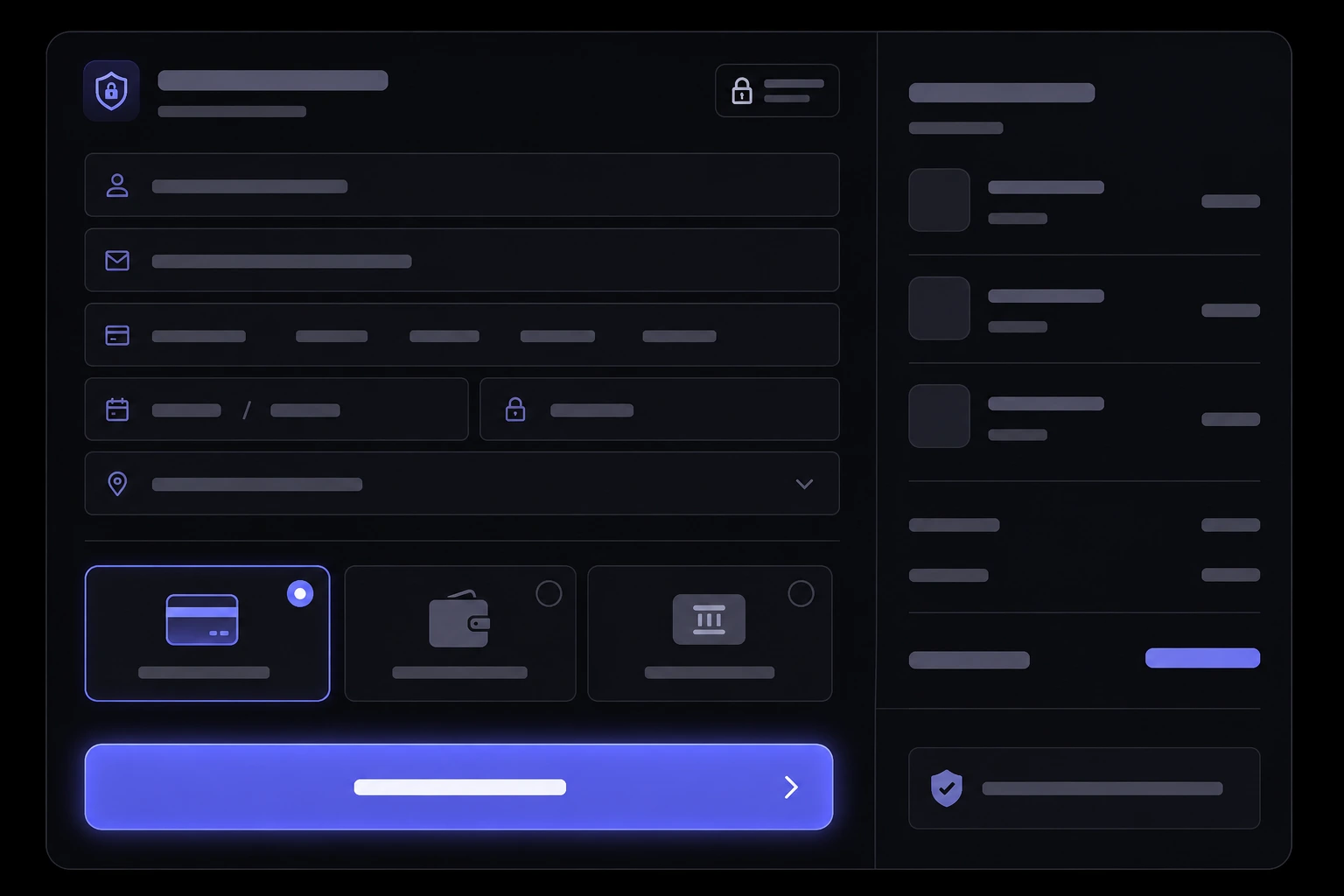
Most owners who want to accept online payments on website checkout are not trying to become a bank. They want a card or wallet to work, money to land in a real account, and a receipt to go out — without a developer inventing a card form from scratch. For a US or Australian business, that usually means a processor such as Stripe or PayPal sitting behind your site, plus a checkout that does not fight the buyer. This is the practical version: what is involved, what security and compliance still sit on you, and what to ask before anyone writes a line of code.
What does it actually take to accept payments on a website?
Three moving parts, not one magic button. You need a merchant account or processor that can take Visa and Mastercard, a checkout UI the customer can finish on a phone, and a way for your site to hear “paid” so you can ship, book, or send the file. Stripe Checkout is a hosted payment page built for that exact job: you send the order, they collect the card, they tell your site the result [2]. PayPal Checkout does the same job for people who refuse to type a card number on a site they just met [5].
If you sell products, that checkout sits inside a cart. If you sell services, it might be a deposit on a booking, an invoice link, or a simple “pay this amount” page. The processor does not care. Your website development does, because the rest of the site has to match: product pages, booking slots, or a quote that turns into a payable invoice.
Do I need Stripe, PayPal, or both?
Start with one processor that can take cards. Stripe is the default for a custom site because the docs, hosted checkout, and webhooks are built for developers [2]. Add PayPal as a second button if a real share of your buyers already keep money there, or if you sell to people who will abandon a card form on principle [5]. Two buttons is not “more professional.” It is covering two habits.
- Stripe as the spine. Cards, Apple Pay, Google Pay, and a webhook that says paid or failed. Fine for stores, deposits, and invoices.
- PayPal as the familiar door. Useful when the buyer already trusts that logo more than yours. Do not make it the only option unless that is truly your audience.
- Shopify Payments if the store is Shopify. Do not bolt a second processor on for sport. Shopify’s own payments stack is the path of least friction on that platform [9].
How much do card payments actually cost?
On Stripe’s published US pricing, the standard online rate is 2.9% plus 30 cents per successful domestic card payment [3]. A $100 order costs you about $3.20 in processing. Failed attempts are not billed on that standard plan. International cards, currency conversion, and disputes sit on top of the base rate, so a “simple” fee table is never the whole story [3].
PayPal publishes its own percentage-plus-fixed fee on its US business fees page, and for the same card-style checkout it is often a bit higher than Stripe’s standard rate [6]. Australian Stripe and PayPal tables are separate — do not copy a US number onto an AU invoice and call it planning. Build a one-page fee model for your average order value before you argue about design. Processing is a cost of goods, not a surprise at month-end.
What is PCI DSS, and do I have to fill out a bank-sized form?
PCI DSS is the card-brand security standard for anyone who stores, processes, or transmits cardholder data [7]. You do not get a free pass because you are small. You do get a much lighter path if card numbers never touch your server. Stripe’s own PCI guide is blunt: hosted Checkout or Elements (card fields in a Stripe iframe) keep you on Self-Assessment Questionnaire A, the lightest common questionnaire [4]. Build a custom form that posts card numbers through your own code and you graduate to a heavier questionnaire, fast [4].
The practical ask for a developer is not “are we PCI compliant?” It is “which SAQ are we on, and can you show me that card data never hits our logs?” If they shrug, they are not done. The PCI Security Standards Council still holds the merchant responsible even when a processor does the heavy lifting [7].
Should checkout stay on my site or redirect to a hosted page?
Hosted checkout (Stripe Checkout, PayPal’s hosted flow) is the sensible default for a first launch. The customer leaves your page for a payment screen, pays, and comes back. You trade a tiny bit of brand control for less PCI scope, fewer ways to leak a card, and a form that already works on a phone [2]. Embedded fields (Stripe Elements) look more “on-brand” and can still stay on SAQ A if the card inputs are Stripe-hosted iframes [4].
Do not let a developer talk you into a fully custom card form because it “looks cleaner in Figma.” That is how you inherit a security program you did not budget for. If you need the checkout to feel like the rest of a serious store, that is e-commerce development work — shortening the path and matching the brand — not reinventing Visa.
What about Apple Pay, Google Pay, and buy now, pay later?
Wallets are not a vanity feature. On a phone, typing 16 digits, an expiry, a CVC, and a billing ZIP is how you lose the sale. Apple Pay lets a customer confirm with Face ID or a similar device check instead of retyping a card [10]. Google Pay does the same job in Chrome and on Android [11]. Most Stripe and Shopify setups can offer both once the processor account is live; they are not a second project if you started with a modern checkout [2] [9].
Buy now, pay later (Klarna, Afterpay, Affirm — names vary by market) can lift average order value on apparel and higher-ticket goods. It also adds another fee and another way for a return to get messy. Turn it on when your average order and return rate can absorb it, not because a competitor’s footer has the logo. Fashion stores should treat wallets and BNPL as conversion tools, not decoration — the same lens as the rest of a fashion e-commerce features checklist.
How do refunds, failed payments, and chargebacks work?
A payment is not finished when the button turns green. Cards fail for insufficient funds, 3-D Secure / strong-customer-authentication challenges, and bank fraud filters. Your site needs a real “failed” state, not a silent spinner, and a way to retry without creating a second order. Stripe Radar is the fraud layer that scores payments and can block obvious card testing before it becomes your problem [12].
- Refunds. Refund through the processor, not a handshake and a bank transfer. The original card should receive the money. Partial refunds need to be a first-class action in your admin, not a developer ticket.
- Chargebacks. A customer disputes the charge with their bank. You will need order records, delivery proof, and a written policy. Stripe and PayPal both charge a dispute fee even if you win. Budget for it.
- Receipts and tax invoices. The confirmation email is part of the payment, not a nice extra. If it bounces or never sends, you will hear about it as a chargeback.
Can I take deposits or invoices without a full online store?
Yes, and you probably should if you sell services. A Stripe Payment Link or Checkout session for a named amount is enough to take a 30% booking deposit. A PayPal invoice does the same job for clients who already pay that way [5]. You do not need a 40-product catalog to stop chasing “I’ll transfer it Friday.”
If the payment is attached to a time slot, put it on the booking flow so the calendar and the money move together. That is booking system development, not a spreadsheet with a link taped to it. The rule is simple: the customer should never have to ask how to pay after they have already said yes.
How do I keep checkout from leaking sales?
Baymard’s compiled average for cart abandonment sits around 70.22% across dozens of studies — most people who start a cart never finish [1]. That is not a reason to panic. It is a reason to stop adding extra fields. Forced accounts, surprise shipping, and a checkout that dies on mobile are still the boring, expensive leaks [1].
- Guest checkout. Let a stranger pay. Offer an account after the receipt, not before the card.
- Show the total early. Shipping and tax that appear on the last step feel like a bait-and-switch even when they are honest.
- One column on a phone. If the pay button sits under a fold of legal text, you are donating the sale. Test on an actual phone, not a resized desktop window.
If you are still deciding whether to sell on a marketplace or on a site you control, remember that you only own this checkout work on your own store. A marketplace takes a cut and keeps the payment relationship. That trade-off is the whole point of a marketplace vs own store decision, not a footnote.
What should I ask a developer before they start?
Ask for a one-page architecture, not a vibe. You want names: which processor, hosted vs embedded, which webhook events, where money lands, and who can refund. If the answer is “we’ll figure it out in sprint two,” you do not have a plan. This is also where Shopify development vs a custom stack should be an explicit choice, not an accident of whichever theme they already have.
- Where does the card number go? If the answer is not “straight to Stripe or PayPal,” stop.
- Which SAQ are we on? They should say SAQ A for hosted or iframe fields, and they should be able to explain why [4].
- What happens when payment succeeds at 11:47 p.m.? Order created, stock decremented, email sent, booking confirmed — list it. “We’ll check the dashboard in the morning” is not a system.
- How do we test without charging a real card? Test-mode keys and a documented sandbox. If they want to use your personal card “just once,” find another developer.
- Who owns the Stripe or PayPal account? You do. The studio can be invited. If the processor is in someone else’s email, you do not own your revenue.
What security work still sits around the payment form?
The processor protects the card number. You still protect the rest of the customer: name, address, email, and the fact that they bought from you. The FTC’s business guide on protecting personal information is still the plain-English US baseline — lock it down, keep only what you need, and have a plan when something leaks [8]. HTTPS is not optional. Admin logins with shared passwords are how refunds get stolen.
Fraud is not a “later” problem. Card testers will hit a live checkout the week it ships. Stripe Radar and similar tools exist because a $1 authorization storm is cheaper for criminals than for you [12]. Pair that with boring website maintenance: updates, backups, and someone watching that the TLS certificate does not quietly expire on a Friday.
When is Shopify faster than a custom checkout?
If you are selling a catalog of products, shipping physical goods, and you do not have a reason to own every pixel of checkout, Shopify Payments plus a decent theme is often live weeks sooner than a custom cart [9]. Custom is worth it when checkout is part of a bigger product: configurable quotes, memberships, deposits tied to staff calendars, or a store that has to talk to software you already run. That is a product decision, not a taste decision.
Either path still needs the same owner questions: who takes the fee, who refunds, what the customer sees when a card fails, and whether wallets are on from day one. Get those answers in writing. Then let the processor be the bank so you can go back to selling the thing people actually wanted to buy.
Sources & references
- Baymard Institute — Cart Abandonment Rate Statistics.
- Stripe Docs — Checkout.
- Stripe — Pricing and fees.
- Stripe — What is PCI DSS compliance?.
- PayPal Developer — Checkout.
- PayPal — US business fees.
- PCI Security Standards Council — PCI DSS.
- FTC — Protecting Personal Information: A Guide for Business.
- Shopify Help Center — Payments.
- Apple Developer — Apple Pay.
- Google Pay API documentation.
- Stripe Docs — Radar.
Figures, fee tables, and compliance questionnaires change after publication; verify with the source before you rely on them for a live checkout.
Want checkout that actually takes the payment?
Talk to us arrow_right_alt