Mobile app vs mobile website for small business: what you actually need
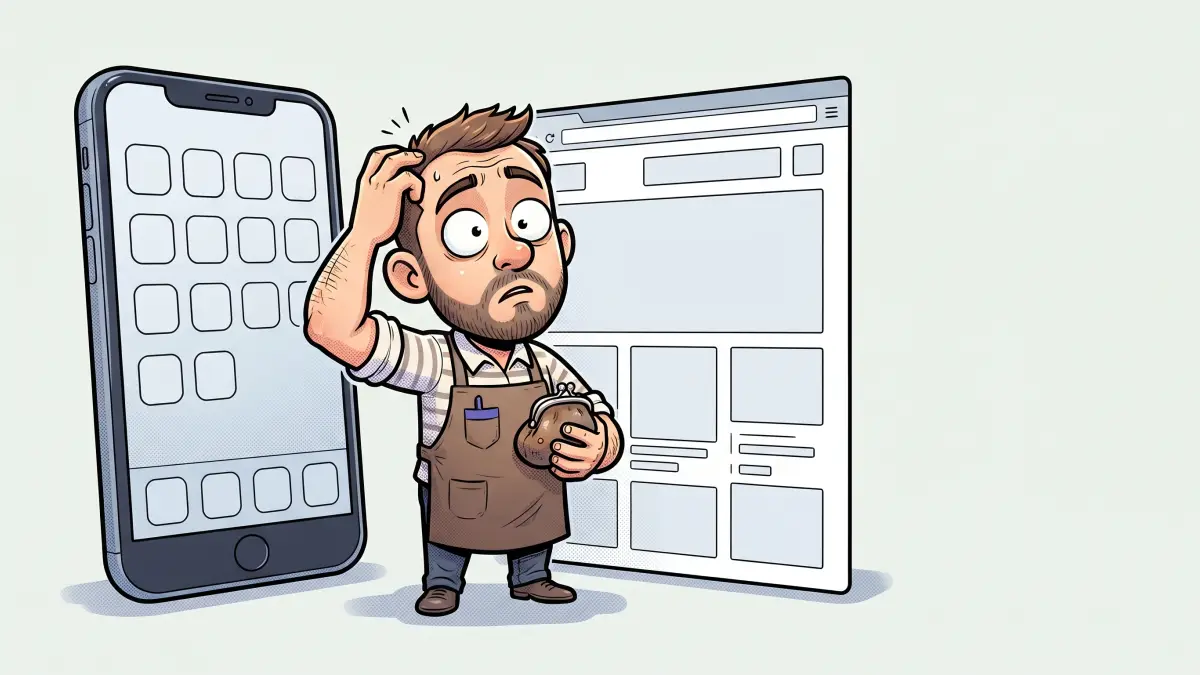
The mobile app vs mobile website for small business question usually arrives after someone has seen a competitor's app, or a developer has quoted one. Both can be the right call — but they solve different problems, cost very different amounts, and one of them is far easier to get wrong. Here is how the two actually compare.
What's the actual difference?
A mobile website is your normal website, viewed in a phone browser. A mobile app is a separate piece of software a user downloads from the App Store or Google Play and installs on their phone. The website is one thing that works everywhere; the app is typically two builds — one for iOS, one for Android — that each need their own updates and approvals.
Isn't my website already "mobile" if it's responsive?
Yes. A responsive site reflows to fit any screen, and that is what most people mean by "mobile website". It is also what Google expects: Google uses the mobile version of your content for indexing and ranking [1], and worldwide, mobile is now roughly half of all web traffic [2]. If your current site is clumsy on a phone, the fix is almost always to improve the site — not to build an app. Our piece on why mobile-friendly matters covers what "good" looks like.
How much more does an app cost?
A lot. On top of design and development for two platforms, you pay Apple $99 a year to keep an iOS app published [3] and Google a one-time $25 to register as a Play developer [4]. Then there is ongoing maintenance: every OS update, every new phone size, and every store policy change can require work, or your app breaks. A website has maintenance too, but it is one codebase and you control the release. Budget an app as a multi-year software commitment, not a one-off — see how web project costs actually work for the baseline it sits on top of.
What can an app do that a website can't?
- Reliable offline use. An app can work with no connection at all.
- Deeper device features. Tighter access to the camera, sensors, Bluetooth, and background processing.
- A home-screen presence. An icon the user taps without thinking, plus richer push notifications.
- Store discovery. Being findable by people browsing the App Store or Play for your category.
If none of those are core to what you do, an app is mostly a more expensive way to show information the website already shows.
What's a PWA, and is it the middle ground?
A Progressive Web App is a website built with modern browser features so it can be installed to the home screen, work offline, and send push notifications — from a single codebase, with no app store [5]. It combines "the broad reach of web apps with the rich capabilities of platform-specific apps" [5]. For a lot of small businesses that think they want an app, a PWA delivers the 80% that mattered — the icon, offline access, notifications — at close to website cost. It is worth asking your developer about before you commit to native.
How do people find an app versus a website?
A website is found through search, links, your Google Business Profile, social posts, and word of mouth — all the channels you already use. An app is found mainly by people who already know you and go looking for it in the store, plus a slice of store-category browsing. For most local and service businesses, the discovery advantage is firmly with the website; the app only pays off once you have an audience that will deliberately install it.
What app store rules do I need to know about?
Apple reviews every app before it goes live, and its guidelines explicitly reject "just a website wrapped in an app": your app "should include features, content, and UI that elevate it beyond a repackaged website" and shouldn't be "primarily marketing materials, advertisements, web clippings, content aggregators, or a collection of links" [6]. In practice, if the plan is to package your existing site as an app with a menu, expect rejection — and even if it slips through, expect a thin experience your customers won't keep.
When does a small business actually need an app?
- Frequent, repeat use. Customers or staff open it several times a week — a loyalty program, a field-service tool, a delivery workflow.
- Offline is essential. The job happens in places with no signal.
- Hardware-heavy features. Sustained camera, sensor, or Bluetooth work a browser handles poorly.
- An engaged existing audience. You already have people who will choose to install it.
When is an app a waste of money?
When it would mostly duplicate the website: showing your services, hours, prices, a gallery, and a contact or booking form. Customers won't install an app to do something they can do in one tap from a search result. In that situation the money is far better spent making the website fast, clear, and easy to act on — including a proper booking flow if that is the goal.
What should I do first?
Get the mobile website right: fast, responsive, easy to navigate with a thumb, with one clear action per page. Run the launch checklist and check load speed, since a slow first response undoes everything else [7]. Only once the site is genuinely good — and you can name the repeat behaviour an app would serve — is it worth pricing a custom app or PWA.
Can I start with a website and add an app later?
Yes, and that is usually the right order. A strong website builds the audience, proves the demand, and often reveals that a PWA covers what you needed. If real usage later justifies a native app, you build it on top of an API the website already uses, rather than from nothing. If you want a second opinion on a quote for either, send it over — we would rather talk you out of an app you don't need than sell you one.
Sources & references
- Google Search Central — Mobile-first indexing.
- Statcounter Global Stats — Desktop vs Mobile vs Tablet market share worldwide.
- Apple — Apple Developer Program enrollment and annual fee.
- Google Play Console Help — Register for a developer account (one-time fee).
- web.dev — What are Progressive Web Apps?.
- Apple — App Review Guidelines, section 4.2 Minimum Functionality.
- web.dev — Time to First Byte (TTFB).
Store fees, review rules and platform capabilities change; confirm current details with Apple and Google before budgeting an app.
Not sure whether you need an app or a better site? Tell us what you're picturing.
Talk to us arrow_right_alt