A Shorter Booking Form, Without a Timeout That Boots People Off
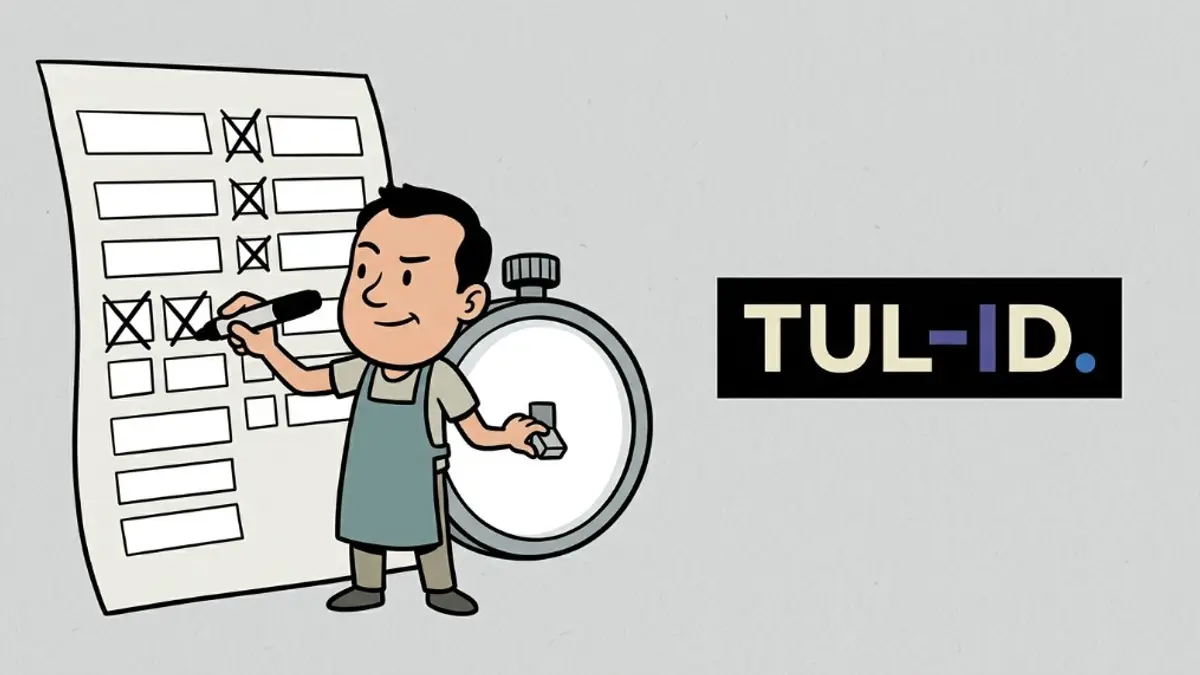
A booking form should collect the appointment and stop. WAI’s forms tutorial says people prefer short forms, and they abandon forms that ask for irrelevant or excessive data. Only ask for what the transaction needs [1]. A salon that demands a mailing address, a birthday, and how the client heard about you, before it will hold a Thursday slot, is past that line.
What belongs on the first screen?
The service, the time, a name, and a way to reach them if the time changes. WAI says to label every control, and to use a fieldset and legend when fields belong together [1]. "Appointment" as a legend over service and time is clearer than eight boxes with no grouping. Instructions sit with the field, not in a paragraph above the form that disappears on a phone [1].
What does an error have to do?
Say what failed and how to fix it, and let the person undo a mistake [1]. The U.S. Department of Justice uses the same standard for public businesses: labels a screen reader can speak, instructions, and errors that explain the failure. Color alone, such as a red outline, is not the instruction [2]. "Invalid" on a phone field is not a fix. "Use digits, including the area code" is.
Can the form time out?
WAI says to avoid a time limit so people can finish at their own pace. If you need one, for example for security, the person should be able to turn it off or extend it. That exception does not cover a limit that exists only because you wanted urgency. A limit can stand when it is a live event, such as an auction, or when the time is essential to a valid submission [1]. A ten-minute countdown on a haircut booking is not an auction.
What about a form that is several steps?
WAI says to split a long form into logical steps and tell people where they are [1]. Step 2 of 3 is the information. A progress bar with no text is not, because color and a graphic alone do not carry the message [2]. Each step still has labels. The last step says the booking succeeded, in text [1].
Does it have to work without a mouse?
Yes. WAI’s introduction says people who cannot use a mouse, including many older users, need the same actions from a keyboard [3]. Speech input uses those labels as voice commands [1]. A date picker that only opens from a click on an icon is a mouse-only control, which the Justice Department lists as a barrier [2]. The keyboard path is part of the form, not a later retrofit.
When do you test it?
While you are building it. WAI says evaluation late means repairing shipped work, and no automated tool alone can say the page meets the standard [4]. WCAG is the criteria those checks point at: perceivable, operable, understandable, robust [5]. Tab through the booking form before you send ads to it.
Should you hide the form until it is perfect?
Do not hide the live form in robots.txt. A disallow does not reliably keep a page out of search, and it is not an access fix [6]. Shorten the form on the URL customers use. A second, prettier form on a staging link does not help the person who already has the public one.
- Ask less — service, time, name, contact. The rest can wait until after they book.
- Label and group — every field named, related fields under a legend.
- Errors in words — what failed, and what to type instead.
- Time limits — avoid them, or let the person extend them.
- Keyboard — the date and the submit button work without a mouse.
Where does a shorter form sit?
Inside a booking system, not as a survey glued to the front of one. What online booking is for only happens if the form is finished. Scheduling tools still need the same labels when you embed them. If clients already drop off, the signs a booking flow is losing people are the next page to read.
What does success look like on the page?
A text confirmation that names the time they booked, not only a color change or an icon [1]. WAI lists user notifications as part of the form: success, errors, and how to correct a mistake [1]. If the only sign of a finished booking is a green check with no words, say the appointment in a sentence.
What should you delete this week?
Every field that is not required to hold the slot [1]. Then turn off the countdown, or add a way to extend it [1]. Book an appointment using only the keyboard [3]. If you cannot tell which field failed, rewrite the error [2]. That is the whole cut.
Sources & references
- W3C WAI: Forms Tutorial.
- U.S. Department of Justice: Guidance on Web Accessibility and the ADA (18 March 2022).
- W3C WAI: Introduction to Web Accessibility.
- W3C WAI: Evaluating Web Accessibility.
- W3C WAI: WCAG 2 Overview.
- Google Search Central: Introduction to robots.txt.
Form guidance is on the linked WAI and ADA pages. This article is not legal advice.
If people start the booking form and do not finish, we can see which fields and which timer are in the way.
Talk to us arrow_right_alt