Booking system losing clients: seven quiet signs and the fixes
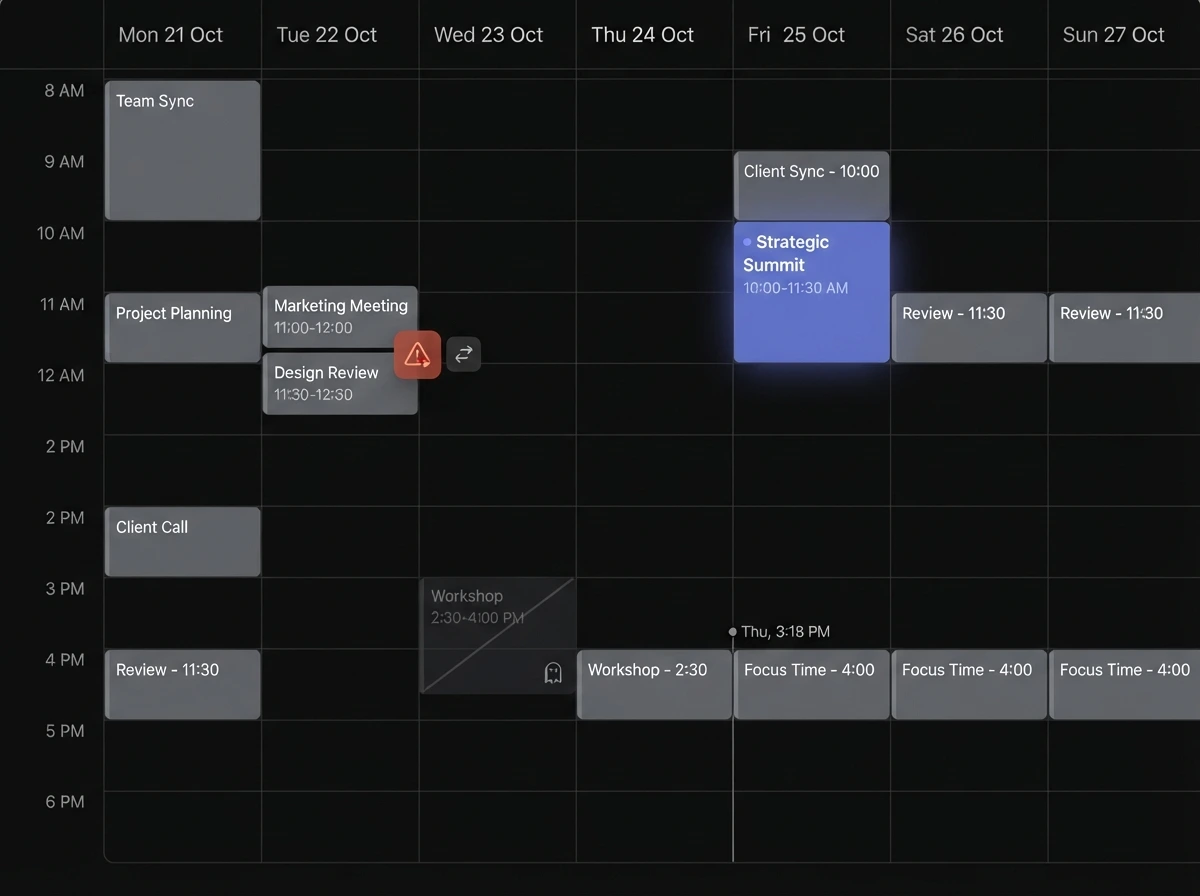
A booking system losing clients almost never announces it. There is no error message for the person who abandoned the form at step four, the regular who drifted to a competitor with easier online booking, or the empty chair that started as a reminder that was never sent. These are the seven signs we see most often, roughly in the order they cost you money — and what to do about each.
How would I even know my booking system is losing clients?
You usually see it in the aggregates, not the incidents: a steady trickle of "I tried to book online but…", no-show rates that never improve, more phone-tag than a business your size should have, and a booking page that gets traffic but few completed bookings. If any of those sound familiar, work through the list below.
Sign 1: booking takes too many steps
Every extra field and page is a place to give up. E-commerce checkout research is the closest measured proxy here — a long or complicated checkout is one of the top reasons buyers abandon, and abandonment across studies averages around 70% [1]. Booking is a checkout for time. Count the taps from "book now" to "confirmed"; if it is more than about four, you are losing people who would have shown up.
Sign 2: it forces people to create an account
A mandatory account is one of the single biggest drop-off points measured in checkout research — around 18% of people abandon specifically because they were made to register [1]. For a first-time booking, ask only for what you need to hold the slot and contact them. Let account creation be optional, after the booking, for people who want to rebook faster.
Sign 3: there are no reminders
This is the highest-return fix on the list. In a meta-analysis of digital notification trials, people who got reminders were 23% more likely to attend and 25% less likely to no-show — a 15% no-show rate with reminders versus 21% without — and multiple reminders beat a single one [2]. Broader reviews of phone and SMS reminders find a consistent lift in attendance [3]. For scale: England's NHS logged roughly 9.3% of outpatient appointments missed in one year, and randomised trials found an SMS reminder that stated the cost of a missed slot cut the did-not-attend rate to about 8.4% versus 11.1% for a plain reminder [6]. If your system cannot send an automatic reminder the day before, that alone is likely costing you several appointments a week.
Sign 4: double-bookings and conflicts happen
If two people can book the same slot, or a booking lands during a break or a day off, clients lose trust fast — and a call to untangle it often ends with a cancellation. A real booking system holds slots atomically, respects your working hours and buffers, and syncs with the calendar you actually check. If you are managing availability by hand across a spreadsheet and a wall planner, conflicts are a matter of when, not if.
Sign 5: it doesn't work properly on a phone
Most of your booking traffic is on a phone — mobile is roughly half of all web traffic worldwide [4], and Google indexes the mobile version of your pages first [5]. If the booking widget has tiny tap targets, a date picker that fights the thumb, or a layout that overflows the screen, people bail. Open your own booking flow on your phone and try to complete a booking one-handed; if it is annoying for you, it is fatal for a stranger.
Sign 6: clients can't reschedule or cancel themselves
When the only way to change an appointment is to call during business hours, two bad things happen: people who cannot make it just don't show, and the freed slot is never offered to anyone else. Self-service reschedule and cancel links — usually right in the confirmation and reminder messages — convert would-be no-shows into recovered slots. Notification trials show reminders also increase advance cancellations, which is the outcome you want [2].
Sign 7: it lives on someone else's platform, not your site
If clients have to book through a third-party marketplace or a separate scheduling domain, you are handing over the relationship, paying per-booking fees, and sending your website traffic elsewhere at the moment of highest intent. A booking flow on your own domain keeps the customer, the data, and the SEO value. Our note on what phone-tag really costs and the piece on why bookings shouldn't live in your DMs go deeper on this.
What does each of these actually cost me?
Put rough numbers on it. If reminders cut your no-show rate from 21% to 15% [2] and you run 60 appointments a week at an average value, that is several recovered appointments every week — often more than the annual cost of a proper system in the first month. Friction and mobile issues are harder to measure directly, but your booking-page conversion rate (completed bookings ÷ visitors) will tell you if it is bad.
What order should I fix these in?
- 1. Turn on automatic reminders — day-before plus a few hours ahead [2][3].
- 2. Add self-service reschedule and cancel links to every confirmation and reminder.
- 3. Cut the booking to four taps or fewer and make accounts optional [1].
- 4. Fix the mobile experience and test it one-handed [4][5].
- 5. Move booking onto your own domain with proper conflict handling.
Should I buy a tool or build it into my site?
An off-the-shelf scheduling tool is the fast fix and fine for many businesses; the trade-offs — fees, branding, where the customer data lives — are covered in our apps-versus-your-own-site comparison. A booking system built into your own website costs more up front and pays back in owned traffic, no per-booking fees, and a flow you control. If you are not sure which side you are on, tell us how you take bookings now and we will point you at the cheaper right answer.
Sources & references
- Baymard Institute — Cart abandonment rate statistics (checkout length, forced account creation).
- Robotham et al. — Using digital notifications to improve attendance in clinic: systematic review and meta-analysis (PMC5093388).
- Systematic review and meta-analysis of appointment reminders (Journal of Hospital Management and Health Policy).
- Statcounter Global Stats — Desktop vs Mobile vs Tablet market share worldwide.
- Google Search Central — Mobile-first indexing.
- Stating appointment costs in SMS reminders reduces missed hospital appointments: two RCTs (PMC4569397).
The reminder studies come from healthcare settings; the direction of the effect generalises to appointment-based businesses, but the exact figures will differ by industry. Verify against your own booking data.
Want a booking flow on your own site that doesn't leak?
Talk to us arrow_right_alt