Appointment scheduling software for small business: apps vs your own website
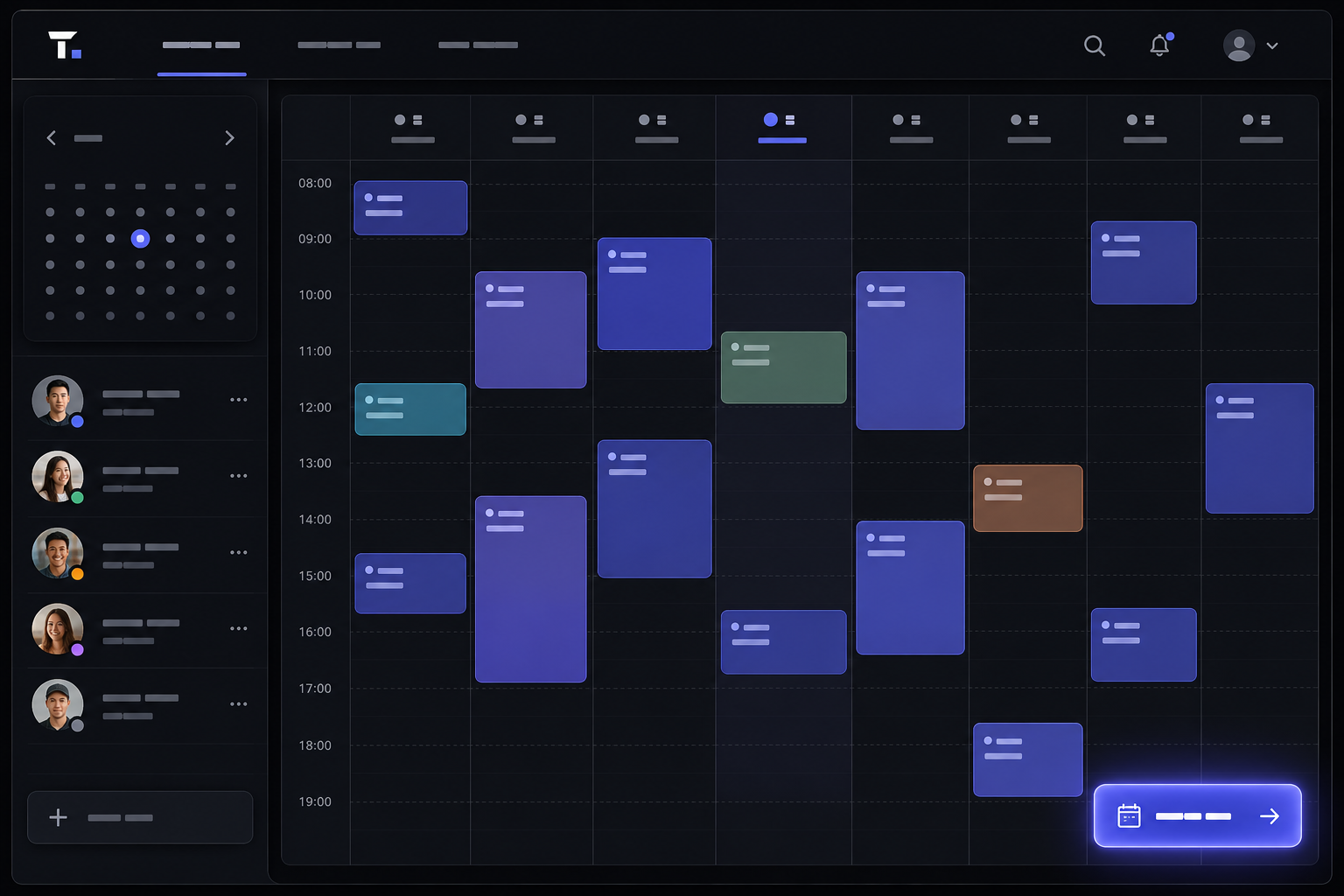
If you sell time — cuts, consults, treatments, sessions — appointment scheduling software for small business is not a nice extra. It is the difference between a calm Tuesday and a voicemail pile you find at 6pm. Most owners shop by logo first: Calendly versus Square versus Mindbody. That is the wrong first question. The useful one is whether you want a standalone app with a booking link, or a booking flow that lives on your own website and looks like you. This is a decision framework, not a vendor ranking.
What actually counts as appointment scheduling software for small business?
A shared Google Calendar with your staff is a calendar. Appointment scheduling software is a product a customer can use without texting you. At minimum it should show live availability, let someone pick a slot, confirm the booking, and send a reminder. Industry explainers of the category describe the same job: the software exists to remove the back-and-forth of finding a time [1].
Everything else is optional until it isn't. Staff calendars, rooms, deposits, intake forms, class packs, and memberships are how a salon, a clinic, and a solo consultant quietly become three different products. If a tool cannot represent how you actually take work, you will end up running a second system in a notebook. That is how double-bookings come back.
Should I use an all-in-one app or put booking on my own website?
This is the fork that actually matters. An all-in-one app (Calendly, Square Appointments, Fresha, Mindbody) is fast. You get a hosted booking page, usually a mobile app, and a vendor who already thought about reminders and payments. A booking system on your own website is slower to launch and more work, but the customer never leaves your brand, your domain, or your design. We build that second path as booking system development when the hosted page starts costing you trust or flexibility.
- Pick an all-in-one app if you are one person (or a small team) with a standard slot length, you want to be live this week, and you are fine with a vendor-branded or lightly customised booking URL.
- Put it on your website if the booking page is part of how you sell (packages, memberships, branded experience), you already have a site people land on, or you are tired of sending clients to a third-party domain that does not look like you.
- Do neither of the fancy options first if you are still taking work in Instagram DMs. Fix the channel before you pick a platform. We wrote about what it costs to keep bookings in DMs — that problem is the same in any market.
How much does appointment scheduling software usually cost?
The sticker price is almost never the whole bill. Calendly's public pricing page lists a free plan plus paid per-seat tiers [2]. Square Appointments publishes a free plan with paid upgrades, and Square takes a cut when you collect card payments through it [3]. Setmore similarly advertises a free starting point with paid plans as you add users and features [4]. Those are fine ways to test the habit of online booking.
Where owners get surprised: per-staff seats, payment processing fees, marketplace commissions (common in salon platforms), SMS reminder credits, and the hours you spend fighting a tool that almost fits. A custom booking flow on your site is a project cost, not a SaaS seat. If you want a sense of that band, our website pricing page is the honest starting point — the booking piece is scoped on top of how unusual your rules are, not as a mystery add-on.
Which features actually change your day — and which are just marketing?
Ignore AI assistants, "growth dashboards," and any feature you cannot explain in one sentence to a new hire. The list that actually saves a Tuesday is short.
- Live availability with buffers. If a colour needs 15 minutes to process, the next client cannot sit down at minute one. Tools that only do raw slot length will lie to you.
- The right resource model. One calendar is fine for a consultant. A salon needs staff plus chairs. A clinic needs rooms, practitioners, and sometimes equipment. Mindbody's appointment product is built around that multi-resource world [11]; a simple personal scheduler is not.
- Reminders and a deposit option. These two beat any other no-show tactic. If the tool cannot do both, you will invent a workaround by week three.
- A booking page that works on a phone. If the flow is awkward on mobile, people bounce and text you anyway. Then you have paid for software you are not using.
How do I cut no-shows without becoming the annoying reminder person?
No-shows are empty inventory. You cannot put that hour back on the shelf. The evidence on reminders is not marketing fluff: a Cochrane review of mobile-phone messaging reminders for healthcare appointments found that automated messages increase attendance compared with no reminder at all [5]. The mechanism is boring and reliable — people forget. A salon or a consultancy is not a clinic, but the forgetting is the same.
Two reminders is usually enough: one when they book, one the day before. More than that and you sound nervous. Pair reminders with a deposit or a cancellation window that actually has teeth. Stripe Checkout is a common way to take a card deposit without inventing your own payment page [6]; PayPal Checkout is the other globally recognised option if that is how your clients already pay [7]. Visa and Mastercard on a trusted checkout beat "pay cash when you arrive" for anyone who has burned you twice.
Will one tool work for a salon, a clinic, and a consultant?
Same category, different product. A consultant selling 45-minute calls can live on Calendly or Google's own appointment scheduling in Calendar [8] for a long time. A salon or barbershop usually wants a vertical tool: staff, services, products, and a client app. Fresha markets exactly that stack to beauty and wellness businesses [12]. Clinics add intake forms, clinical notes, and stricter privacy expectations — in the US that often means a HIPAA conversation; in Australia it is Australian Privacy Principles and how you store health information. Do not buy a consumer scheduler and hope the forms magically become a medical record.
If your business is a hybrid (say, retail plus appointments, or classes plus 1:1), write the booking rules on paper before you watch a demo. "We sell 50-minute cuts, 90-minute colours, two people can share a wash basin, and juniors cannot take balayage" is a spec. "We need a booking system" is not.
How should payments, deposits, and cancellations work?
Decide the commercial rule first, then find software that can enforce it. A typical setup that actually works: card on file or a deposit for new clients, full prepay for high-demand slots, a cancellation window (24 or 48 hours) written in plain language, and an automatic reminder that restates the rule. Square Appointments is built around taking the payment in the same ecosystem as the booking [3]. If booking lives on your site, Stripe or PayPal are the usual processors [6] [7].
Be honest in the policy. "We may charge a fee" is not a policy. "Cancel with less than 24 hours' notice and the deposit is kept" is a policy. Put it on the booking page, in the confirmation email, and in the reminder. Staff should not have to argue it at the door. If you are in a regulated health setting, have someone who knows your local rules glance at the wording — this is not the place to get cute.
How does scheduling connect to my website, Google, and email?
Customers do not start on your SaaS login screen. They start on Google, Instagram, or a page you paid to rank. If the booking button on your site dumps them onto a third-party URL with different fonts and a different logo, some of them will bounce. Squarespace's Acuity product exists specifically because website and scheduler are easier when they are neighbours [10]. Google Calendar appointment scheduling is the lightweight version of the same idea if your "website" is still mostly a link in a bio [8].
Two unsexy technical pieces still matter. First, a real website with consistent name, address, and phone — Google's local business structured data documentation is the checklist search engines expect if you want the listing and the site to reinforce each other [9]. Second, confirmation emails that come from a domain you own, not a no-reply address the client has never seen. If you are still launching the site itself, the small business website checklist covers the launch basics booking software will not.
What should I ask a vendor before I sign up?
Demos are designed to make every tool look inevitable. Take a real week of your bookings into the call and ask them to configure that week, live. Then ask the unglamorous questions.
- Who owns the client list? Can you export names, emails, history, and future appointments in a format another tool will eat? If the answer is vague, you are renting your book of business.
- What happens when I add the third staff member? Seat pricing, location pricing, and "contacts" caps are where cheap plans stop being cheap.
- Can the booking page live on my domain? Embed versus redirect is a trust issue, not a taste issue. If they only offer a vendor URL, know that going in.
- How do deposits and no-show fees actually collect? A toggle labelled "require payment" is not the same as money in your account when someone ghosts.
- What is the cancellation path? You should be able to leave without a hostage situation. Ask for the export, the notice period, and whether prepaid packages survive the move.
If you would rather have someone else pressure-test this, talk through the tradeoffs with us. We will tell you when a $20/month app is the right answer. That is a cheaper conversation than rebuilding a stack you outgrew in six months.
When is a custom booking system on my website the better bet?
Custom is not a personality trait. It is for when off-the-shelf tools start needing expensive workarounds. Typical tells: packages and memberships that are not simple prepaid minutes; more than one location with different staff rules; a branded experience that is part of the sale (fashion, hospitality, premium clinics); or a site you are already rebuilding and do not want a second, clashing booking URL on top. That is custom website development plus a booking layer, not a plugin you toggle on a Thursday.
If your rules fit a well-known vertical product, buy the vertical product. Paying a studio to recreate Fresha for a two-chair salon is a waste. Paying a studio because your booking logic is the business — sports facilities, multi-practitioner clinics, membership plus retail — is how you stop fighting the tool every week. Look at our recent work if you want to see the difference between a bolted-on scheduler and one that feels like the site.
How do I switch tools without losing the next two weeks of bookings?
Do not cut over on a Monday. Export everything you can from the old tool first: clients, services, staff, and the forward book. Run both systems in parallel for a short overlap — new bookings go to the new one, existing ones honour the old confirmations until they complete. Update the button on your site, your Google profile, your Instagram link, and your email signature on the same morning. Then watch the first 20 bookings like a hawk: wrong time zone, missing buffers, deposit not taking, reminder not firing.
Tell regulars once, clearly, in the channel they already use. "From Friday, book here. Your existing appointments are unchanged." That is the whole message. If you cannot export the forward book, screenshot it and re-enter it. Ugly, but cheaper than a week of angry messages because the new calendar was empty and the old one was ignored.
Sources & references
- What is Appointment Scheduling Software? — HubSpot.
- Calendly pricing.
- Square Appointments.
- Setmore pricing.
- Mobile phone messaging reminders for attendance at healthcare appointments — Cochrane.
- Stripe Checkout.
- PayPal Checkout documentation.
- Appointment schedules in Google Calendar — Google Support.
- Local business structured data — Google Search Central.
- Acuity Scheduling — Squarespace.
- Mindbody appointment software.
- Fresha for business.
Figures, plan names, and pricing may change after publication; verify with the source before you rely on them, and treat vendor marketing pages as starting points rather than independent research.
Want help picking the right booking setup?
Talk to us arrow_right_alt