How to choose an ecommerce platform for a new brand
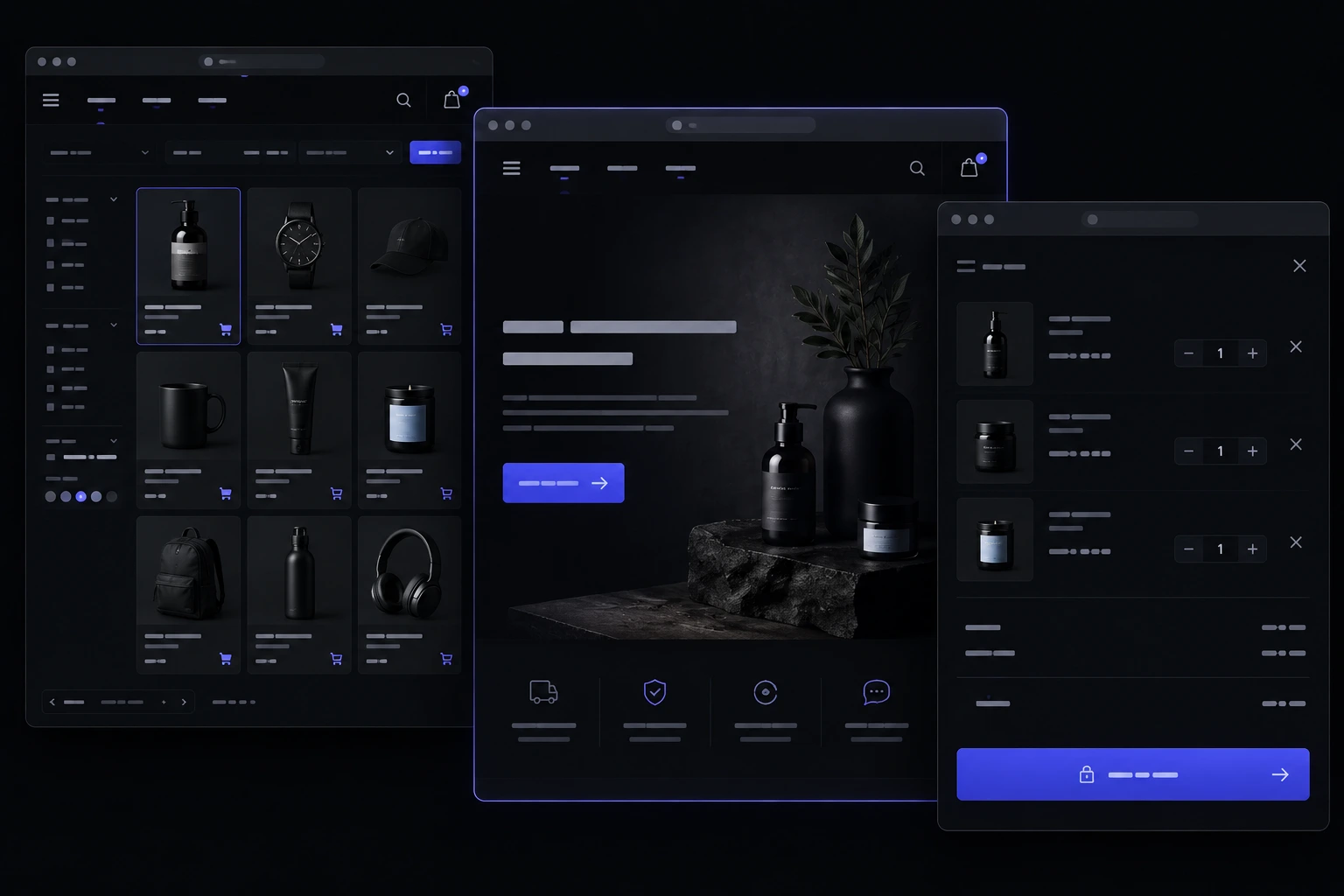
If you are trying to figure out how to choose an ecommerce platform for a new brand, ignore the feature grids for a minute. The platforms that win bake-offs on a slide are not always the ones a new store can actually run. Traffic you expect, how many SKUs you will really sell, what you can spend after month one, and whether you will build this in-house or with an agency — those four constraints decide the shortlist. This is a decision framework, not a verdict that one vendor is the winner.
What does the right platform actually mean for a new brand?
It means a store you can launch without inventing a second job, and still grow without a painful migration in year two. Usage data is noisy, but it is a reminder that most live stores sit on a handful of well-known stacks rather than a secret engine [13]. Your job is not to pick the most famous logo. It is to pick the stack your team can operate on a Tuesday when something breaks.
A new brand usually needs three things on day one: a catalog people can browse on a phone, a checkout they trust, and a way to fulfil and refund without a spreadsheet circus. Fancy merchandising, loyalty, and wholesale portals can wait. If you sell apparel, the conversion details that actually matter are closer to what we covered in our fashion e-commerce features guide than to an enterprise feature matrix.
How should expected traffic shape the shortlist?
Be honest about the next twelve months, not the fantasy year-three Super Bowl ad. A few hundred sessions a day and a hosted store will usually be fine. Tens of thousands of concurrent shoppers, flash drops, or a campaign that can spike overnight is a different conversation: caching, image pipelines, and whether the platform chokes when the homepage is a queue.
Speed is not a vanity metric. Google's mobile research has been blunt for years: slow pages lose people before they ever see the product [7]. Core Web Vitals are the current public language for that same idea — largest contentful paint, interaction delay, layout shift [14]. If a platform makes those numbers hard to hit on a phone, it is the wrong platform for a new brand that lives on Instagram traffic.
- Quiet launch. Hosted SaaS is usually enough. You are buying uptime and a CDN you did not have to configure.
- Campaign spikes. Ask how the stack behaves when a drop goes live, not how pretty the theme editor is.
- Content-heavy catalog. Video, lookbooks, and large image sets punish weak hosting. Budget for that, not just the monthly seat.
How does catalog size change which tools even make sense?
Ten products and two sizes is a different machine from 800 SKUs with colour, fit, and pre-order rules. Small catalogs are fine on almost any modern hosted store. Large catalogs punish weak search, slow collection pages, and admin screens that time out when you bulk-edit prices.
If you are in fashion or any variant-heavy category, count variants, not just products. A dress in six sizes and four colours is 24 things the platform has to keep in stock, on the PDP, and in the cart. Nielsen Norman Group's e-commerce usability work keeps circling the same shopper jobs: find it, understand it, buy it without getting lost [12]. A catalog that cannot do those three jobs on a phone is not a catalog. It is a brochure with a buy button.
What budget should I plan besides the monthly subscription?
The sticker price is the least interesting number. Shopify, BigCommerce, and Squarespace all publish plan ladders in public [1] [3] [4]. WooCommerce's own site is honest in a different way: the software is free, and you pay for hosting, themes, extensions, and the person who keeps it standing [2]. Adobe Commerce sits at the other end — a serious commerce suite with a serious implementation cost [5].
Add four extra lines before you compare plans: theme or design work, apps you will actually need (reviews, subscriptions, wholesale), payment processing, and someone to maintain it. Category directories like Capterra are useful for seeing how wide the tool field is, not for picking a winner from star ratings [15]. If you want a studio-shaped sense of build cost, our website pricing page is the honest starting band — store work sits on top of how unusual your catalog and checkout rules are.
Should we build this in-house or hire an agency?
In-house only wins if someone on the team already ships websites for a living and will still have hours after launch. A founder who watched three YouTube setup videos is not an in-house team. They are a bottleneck wearing a product hat. Agencies (or a specialist like e-commerce development) win when the store is the business, not a weekend project, and when you need design, checkout, and ops to land together.
- In-house is right when you already have a developer, a designer, and a person who will own apps, backups, and theme updates.
- An agency is right when the brand launch date is real and you cannot afford a half-built cart.
- A hybrid is common agency builds the first version; you hire or train someone to run merchandising after go-live.
If you want to see how that split looks on real projects, look at our recent work before you commit to a stack you cannot staff. The platform is the easy part. The operating model is what you live with.
When is a hosted SaaS store the smarter first move?
Most new brands should start hosted. You get checkout, hosting, a theme, and a payment path without becoming a sysadmin. Shopify's public pricing is the usual reference point for that model [1]. BigCommerce and Squarespace occupy nearby seats with different strengths around catalog complexity versus simplicity [3] [4]. Hosted does not mean locked in a toy. It means you are renting a running store so you can sell.
Pick hosted when you need to be live this quarter, your catalog is not a custom manufacturing puzzle, and you do not have a backend team. If Shopify is on the shortlist and you want it built like a brand rather than a default theme, that is Shopify development — still a hosted platform, just not a DIY coat of paint. The mistake is treating hosted as temporary and then never migrating because it already works.
When does self-hosted or a custom stack start to pay off?
Self-hosted (WooCommerce on WordPress, or a custom headless build) pays off when you already live in that CMS, you need unusual checkout or pricing logic, or you refuse to rent the whole storefront. WooCommerce is the common path: you own the site, and you own the failures [2]. Adobe Commerce is the heavy option when B2B rules, multi-site catalogs, or enterprise merchandising are the actual requirement, not a future maybe [5].
Custom is not a personality trait. It is for when off-the-shelf checkout needs expensive workarounds every week. If you are still arguing about button colour, you do not need a custom stack. If you are arguing about how bundles, deposits, and wholesale price lists share one cart, you might. Either way, put the store on a proper small business website checklist so the rest of the site (legal pages, contact, analytics) is not an afterthought glued on at 11pm.
What checkout and payments features actually matter at launch?
Baymard's long-running cart-abandonment research keeps landing in the same painful range: a large share of shoppers who start checkout never finish [6]. New brands do not beat that with a clever animation. They beat it with guest checkout, a short form, clear shipping cost before the last step, and payment methods people already trust. Stripe Checkout is a globally recognised way to take cards without inventing a payment page [8]. PayPal sits next to it for shoppers who refuse to type a card number.
If you take cards, you are in PCI territory whether you like the acronym or not. The PCI Security Standards Council publishes the rules; most small brands stay out of the worst of it by using a hosted checkout that never sees raw card data [9]. US sellers should also read the FTC's guidance on selling on the internet so refunds, shipping promises, and advertising claims do not become a legal hobby [10]. Australian sellers have a parallel consumer-law overlay via the ACCC's online-shopping guidance [11]. The platform does not excuse you from either.
How do I judge apps, themes, and lock-in before I commit?
Every hosted platform will sell you an app store. Count the apps you need on week one, not the ones that look fun. Reviews, a shipping calculator, and a returns portal are real. A spinning 3D product viewer is not. Each app is a future break, a future bill, and a future reason you cannot leave. Themes have the same trap: a cheap theme that fights your catalog will cost more than a proper design.
- Export test. Can you get products, customers, and order history out as files you can open? If the answer is a sales call, that is lock-in.
- URL test. Will product URLs stay stable if you migrate later? Redirects are cheaper than rebuilding SEO from zero.
- Staff test. Can a non-developer add a product without breaking the layout? If only the agency can touch the catalog, you hired a hostage situation.
What operations should the platform carry on day one?
Inventory, order emails, refunds, and a returns path. That is the list. If the platform cannot decrement stock when two people buy the last size at once, you will oversell. If refunds take a developer, you will delay them and earn the review you deserve. Fashion brands in particular need size, restock, and returns to feel native — which is why a fashion brand website is often scoped as store plus brand, not a generic theme with a logo swap.
Support load is an operations problem too. Shoppers will email, chat, and DM. The platform should at least show the order, the tracking number, and the refund status in one admin screen. If your team will live in a spreadsheet anyway, you picked the wrong admin, not the wrong colour palette.
How do I trial a platform without burning the launch window?
Give yourself two weeks, not two days. Rebuild ten real products, not the demo candles. Run a test order with a real card on a real phone. Process a refund. Change a price. Add a staff account and watch them fail at the thing you thought was obvious. Vendor marketing sites will not show you that. Your own catalog will.
Keep the live marketing site separate until checkout works. A half-public store that 404s on the cart is worse than a landing page with an email capture. If the trial fails, you still have a brand URL. If it works, you point the domain, turn on analytics, and stop tinkering. The trial is to kill a bad fit early, not to endlessly restyle buttons.
When should a new brand skip a marketplace and open its own store?
Marketplaces are great at borrowing other people's traffic. They are terrible at building a brand you own. We already wrote the longer version in marketplace vs own store. The short version: if the product needs storytelling, lookbooks, or a checkout you control, you need your own store. If you are testing demand with one SKU and no audience, a marketplace stall can be a cheaper experiment.
Many brands do both for a while. That is fine if the own-store catalog is the source of truth and the marketplace is a channel. It is not fine if you are running two inventories in two admin panels and hoping they agree. When you are ready to stop renting the aisle, talk through the tradeoffs with us. We will tell you when a hosted plan is enough and when you are about to buy an enterprise stack you cannot staff.
Sources & references
- Shopify pricing.
- WooCommerce.
- BigCommerce pricing.
- Squarespace Commerce.
- Adobe Commerce (Magento).
- Cart abandonment rate — Baymard Institute.
- Mobile page speed and industry benchmarks — Think with Google.
- Stripe Checkout.
- PCI Security Standards Council.
- Selling on the internet — US Federal Trade Commission.
- Online shopping — Australian Competition and Consumer Commission.
- E-commerce usability — Nielsen Norman Group.
- Shopping cart software usage — BuiltWith.
- Web Vitals — web.dev.
- E-commerce software — Capterra.
Figures, product names, and pricing may change after publication; verify with the source before relying on them.
Want help picking the right fit?
Talk to us arrow_right_alt