Shopify vs WooCommerce for a Philippine online store
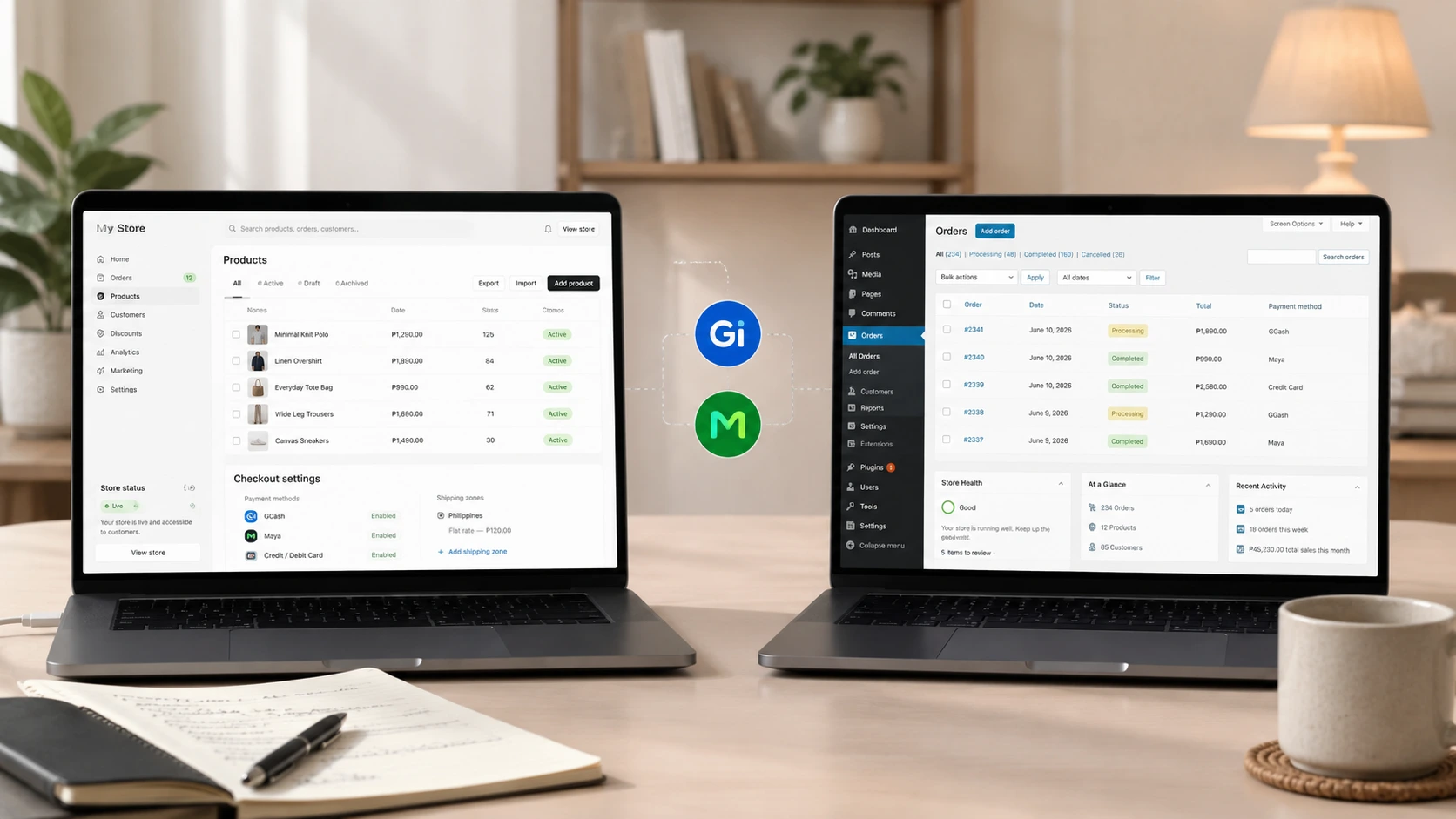
Shopify vs WooCommerce is the question almost every Philippine business owner hits the moment they decide to sell online properly. Both can run a serious store. They just ask for very different things from you — in money, time, and technical patience. At TUL-ID we build on both, so we don't have a horse in the race: the right answer depends on what you sell, how much you want to manage, and where your business is today. Here are the ten questions we get asked most, answered straight, with local context for Metro Manila and the wider PH market. If you want the bigger picture first, our guide on owning a store versus selling on Shopee and Lazada is a good companion read.
1. What's the real difference between Shopify and WooCommerce?
Shopify is a hosted platform — you pay a monthly fee and Shopify handles the servers, security, and updates for you. WooCommerce is an open-source plugin for WordPress, which means you install it on hosting you control and you're responsible for keeping it running. The official WooCommerce documentation frames it as owning your store outright [2]; Shopify's Philippine pricing page frames its plans as renting a fully managed one [1]. Neither is "better" in the abstract — it's a trade between convenience and control. If you'd rather not think about hosting at all, that's a point for Shopify. If you want to own every file and database, that's WooCommerce.
2. Which is actually cheaper for a Philippine online store?
Shopify's cost is predictable: a fixed monthly plan in USD plus transaction fees if you don't use its own payment rails [1]. WooCommerce's software is free, but the real bill is the sum of hosting, a premium theme, plugins, and maintenance — and those add up quietly. We break the full picture down in our guide to what a website costs in the Philippines, and you can see our own bands on the pricing page. As a rule of thumb: Shopify usually wins on total cost for a small store that just wants to sell, while WooCommerce can be cheaper at scale if you already have technical help in-house.
- Shopify: One monthly fee, hosting and security included, fewer surprises — but recurring in dollars and harder to trim.
- WooCommerce: Free core, but budget for hosting, a theme, paid plugins, SSL, and ongoing updates. Cheap to start, not free to run.
3. Can I accept GCash and Maya on both platforms?
Yes — and this matters more here than almost anywhere else, because a checkout without e-wallets loses Filipino buyers at the last step. A local gateway like PayMongo plugs into both platforms and unlocks GCash, Maya, cards, and QR Ph from one account [4], and there's an official WooCommerce plugin for it that settles in Philippine peso [5]. We cover the setup, fees, and trust signals in depth in our guide to adding GCash and Maya payments. The short version: both platforms can do it, WooCommerce needs the plugin configured correctly, and Shopify needs the gateway added since its built-in Shopify Payments isn't available locally the way it is in the US.
4. Which is easier to run if I'm not technical?
Shopify, comfortably. Updates, backups, and security patches happen without you touching anything, which is why we point most first-time store owners toward it. WooCommerce gives you more power but expects you to maintain WordPress core, plugins, and hosting — miss those and you get slow pages or security holes. That upkeep is real work, which is exactly why we offer website maintenance and support for WooCommerce stores. If nobody on your team wants to own that, Shopify removes the burden; if you're comfortable in a dashboard or have a partner handling it, WooCommerce is manageable.
5. Is WooCommerce really free?
The plugin is genuinely free and open-source — that part is true. But "free software" is not "free store." You still pay for hosting that can handle traffic, a license for a serious theme, premium extensions for things like advanced shipping or subscriptions, an SSL certificate, and time (yours or a developer's) to keep it all patched. WordPress itself is free too, as the WordPress.org project explains [3], but the running costs are where WooCommerce stores get surprised. Think of the software as free and the operation as a monthly commitment — usually landing somewhere near a mid-tier Shopify plan once everything's added up, sometimes more.
6. Which is better for SEO and speed in the Philippines?
Both can rank well; the difference is who's responsible for performance. Google is explicit that speed and Core Web Vitals affect rankings and conversions [6], and its SEO starter guide leans on the same fundamentals [7]. On a mostly mobile market — the Digital 2026 Philippines report shows how much Filipino commerce happens on phones [8] — a slow store bleeds sales. Shopify's managed hosting keeps speed consistent out of the box. WooCommerce can be faster if it's built and hosted well, but plugin bloat and cheap hosting are the usual reasons a WooCommerce store crawls. This is squarely the kind of thing our e-commerce development work is built to get right regardless of platform.
7. Which handles fashion products, variants, and collections better?
For apparel, both handle sizes and colors, but the day-to-day experience differs. Shopify's variant and collection system is clean out of the box and pairs well with a polished theme, which is why it's a frequent pick for clothing brands. WooCommerce is more flexible if you need unusual product logic, but you'll lean on extensions to match Shopify's default polish. If you sell fashion, the platform matters less than the storefront and the buying experience — sizing, photography, and checkout — which we cover in our fashion brand website cost guide and build through our fashion brand website design service. Our client Marewear runs on a custom Shopify theme for exactly this reason; you can see the result in our recent work.
8. How long does each take to build and launch?
A straightforward Shopify store on a good theme can be live in a couple of weeks because the platform, hosting, and checkout already exist. A comparable WooCommerce store often takes a little longer to set up cleanly because you're assembling hosting, theme, and plugins into one reliable stack. A fully custom build on either — bespoke design, custom features, integrations — is a longer project on both sides. If speed to launch is your priority, Shopify has a head start; if you're planning something unusual, the timeline depends far more on the features than on the platform. We scope both under Shopify development and general website development.
9. Can I migrate from one to the other later?
Yes, but plan to treat it as a rebuild, not a switch. Products and customers can be moved with migration tools, but themes, checkout logic, and URL structure all have to be redone — and if you don't map the old URLs to the new ones, you risk losing hard-won SEO. The practical advice: pick the platform that fits the next two to three years, not just launch week, so you're not paying to rebuild twice. If you're genuinely unsure, that's worth a conversation before you commit — feel free to tell us what you're planning.
10. So which should a Philippine business actually choose?
Choose Shopify if you want to sell now, keep maintenance off your plate, and value a predictable monthly cost — it's the lower-stress path for most first stores and many growing ones. Choose WooCommerce if you want full ownership, have specific requirements a hosted platform won't bend to, and either enjoy the technical side or have a partner maintaining it. The e-commerce market here keeps expanding — Statista's forecast for Philippine e-commerce users shows steady year-on-year growth [9], and market analysts project Philippine e-commerce sales climbing past USD 20 billion in 2026 on the way to roughly USD 38 billion by 2031 [10] — so the more important decision is committing to a real store at all, then picking the platform that matches your stage.
Still weighing Shopify vs WooCommerce for your Philippine store? Tell us what you sell and how you want to run it, and we'll recommend the honest choice — even when that means the cheaper or simpler one. It's the same way we'd decide if the store were our own.
Sources & references
- Shopify Pricing (Philippines).
- Getting started — WooCommerce documentation.
- WordPress.org — the open-source WordPress project.
- PayMongo — e-commerce plugins for Shopify & WooCommerce.
- Payments via PayMongo for WooCommerce — WordPress plugin.
- Why performance matters — web.dev (Google).
- SEO Starter Guide — Google Search Central.
- Digital 2026: The Philippines — DataReportal.
- Number of e-commerce users in the Philippines — Statista.
- Philippines E-commerce Market Growth, Trends & Size — Mordor Intelligence.
Platform pricing, plan features, and payment-gateway capabilities change frequently and were current as of publication — reverify Shopify plans, WooCommerce extensions, and PayMongo fees before making a final decision.
Not sure which platform fits your store? Tell us what you sell and we'll recommend the honest choice.
Talk to us arrow_right_alt